Types of Computers
Computers have changed the way we live.
They help us complete repetitive tasks quickly and without mistakes. They don't get tired and they aren't scared of complex tasks.
Computers can handle data and perform tasks millions of times per second. They can finish jobs much faster than a person could.
Having your own computer also lets you access tons of information and free resources online. This can help you learn new things and might even improve your life.
But what exactly is a computer, and what do we mean when we say "PC"?
In this article, you'll learn the basics about computers: what they are, the different types available, and how they work.
Different Types of Computers
The hardware and software we talked about are the same in all computers.
But there are many different types of computers.
There are smartphones, smartwatches, smart TVs, smart cars, smart appliances, ATMs, and powerful web servers.
These are just some devices that have a built-in chip, or CPU, which makes them a type of computer.
One of the most common types is the PC, which stands for Personal Computer.
What is a PC?
A Personal Computer is a small, multi-purpose device with a CPU.
It's made for just one person to use at a time.
This is different from big mainframe computers used in the past, which many people could use at once.
We use PCs in offices and homes, and each place can have several PCs depending on how many people are there.
There are different styles of PCs, and they can run different Operating Systems.
The most popular type uses Windows OS.
The two types of PCs
PCs come in two main types, based on their size and how you use them.
There are stationary or desktop computers, and portable or laptop computers.
Stationary PCs are desktops. They're big and stay in one place, like your home office or work office.
Desktops have their hardware in a case, with separate parts like a monitor, keyboard, mouse, and speakers.
They're what most people think of when they hear 'PC'.
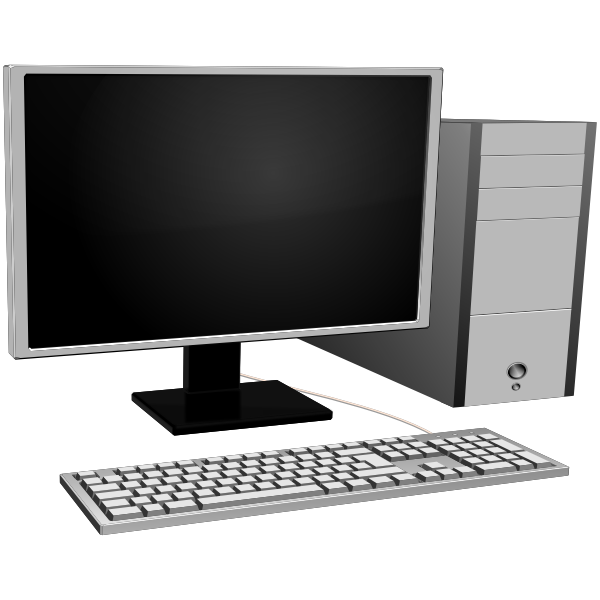 A traditional PC setup with a monitor, keyboard, and computer case
Portable PCs include laptops, tablets, and smartphones.
They're smaller, lighter, and have everything built in – the case, keyboard, and monitor are all one piece.
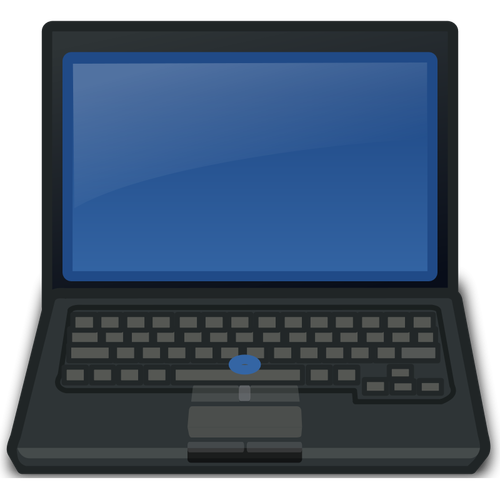 A laptop with a built-in monitor, keyboard, and touchpad
When to use a desktop vs a portable PC?
Desktops are usually faster and more powerful. They're also cheaper and easier to upgrade.
People like desktops because you can customize them to fit your needs.
They're used a lot in businesses and for working from home because they're not easy to move.
Desktops are also good for gaming and for graphic and video editing because they have better processing power and bigger screens.
Portable PCs like laptops are great for people who work while traveling or who like to change their work location often.
They're also good for students who need to take their work from class to class.
Laptops usually cost more, both to buy and to upgrade, and they're harder to customize. But they're great because you can take them anywhere.
You can do the same tasks on a laptop as on a desktop, like editing documents, playing games, and using different software. Just remember that laptops usually have less power than desktops.