Slack
Removing someone from Slack channel
- Go to Slack
- Go to Manage Members
- Click on dots then deactivate member:
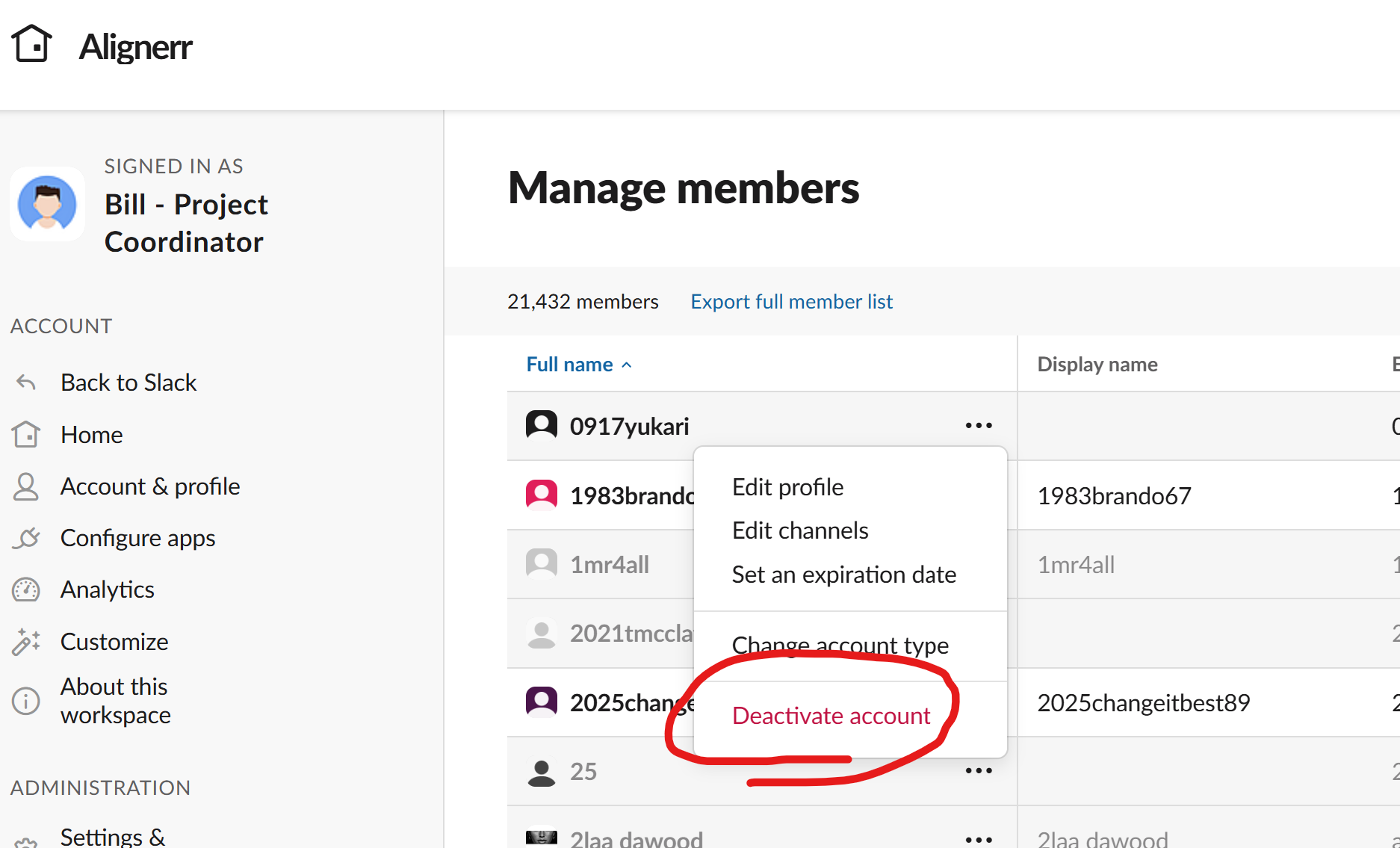
- **Becareful to find out between single channel VS multi-channel members
Activate a deactivated account on Slack
- Go to Slack
- Go to Search (filter) and put in the email:
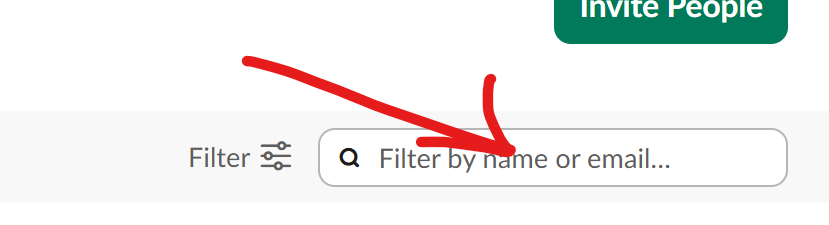
- You should see the deactivated account --> click on 3 dots:

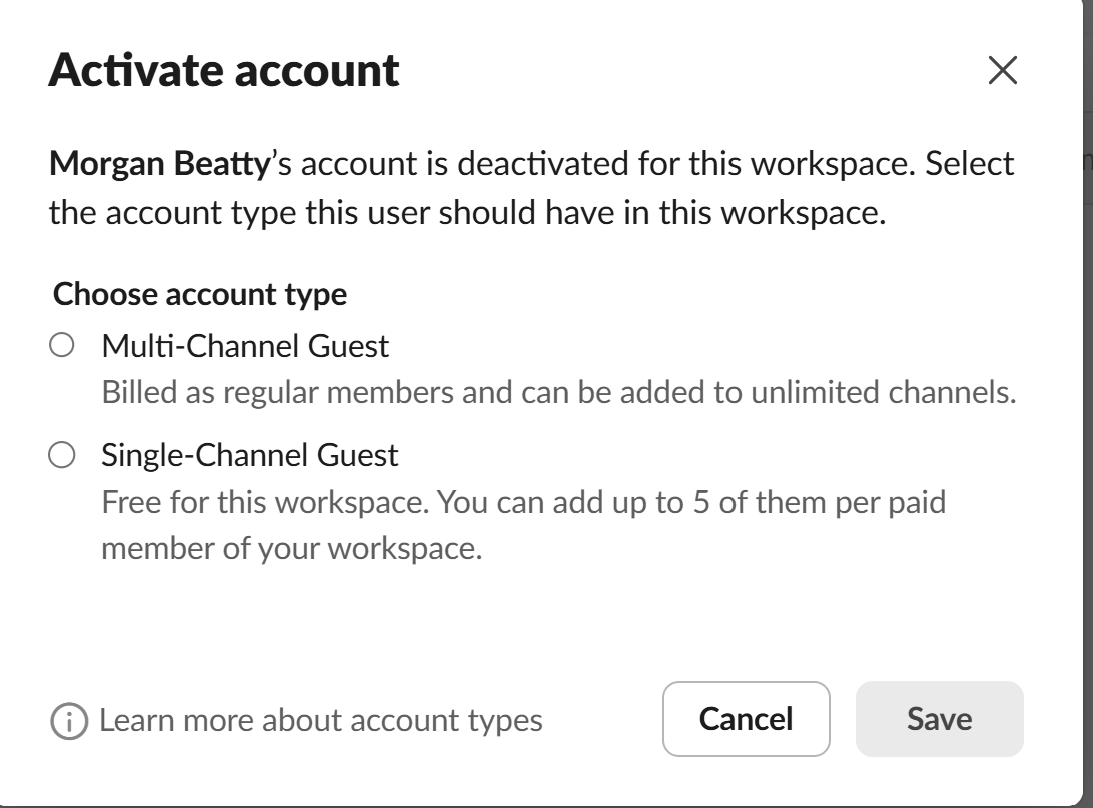
- Activate account
- Choose between single/multi channel:
Adding external user onto Slack
- Go to Slack Admin
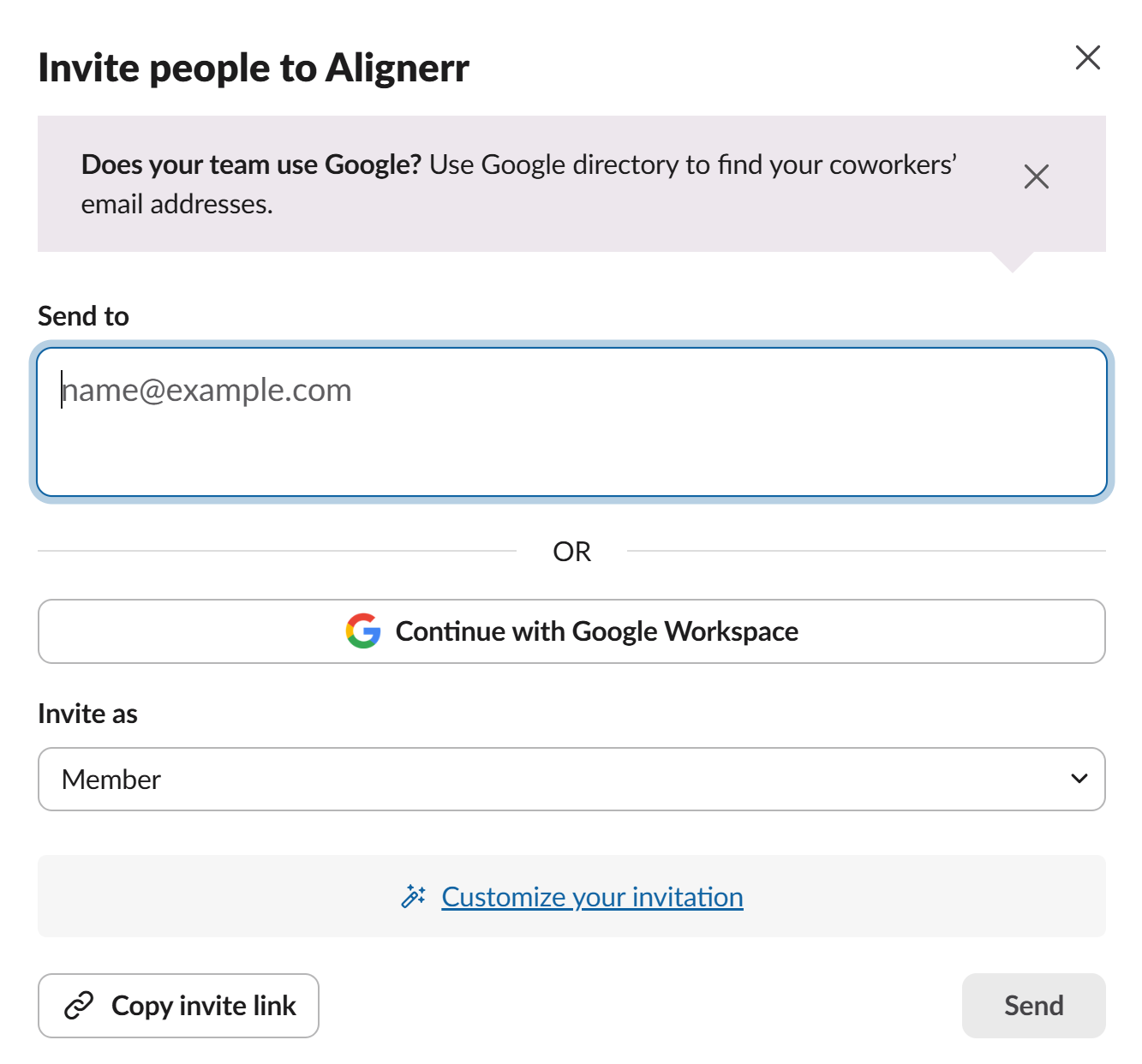
- Click on Invite People:
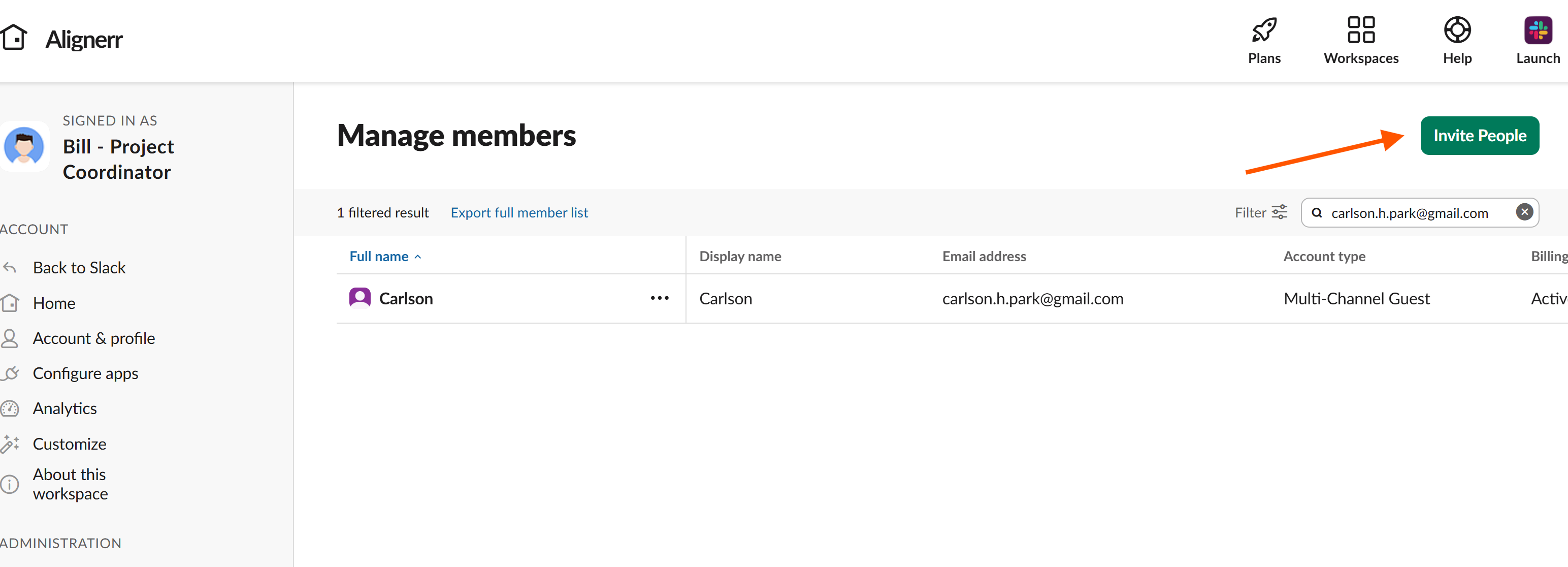
- Fill out the following screen and send your invitation (becareful on selecting user’s account type & expiration date):