Exporting Notes
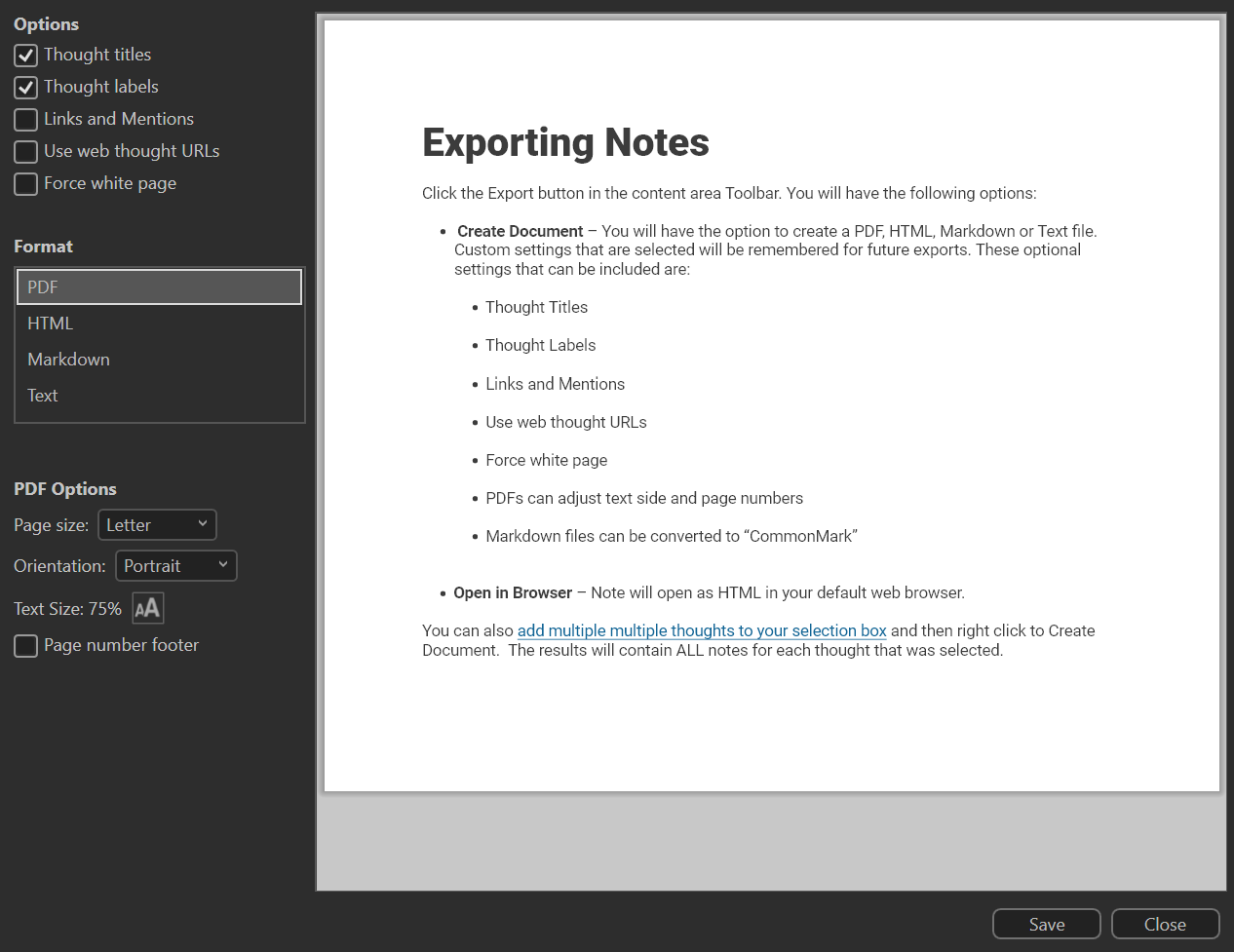
Click the Export button in the content area Toolbar. You will have the following options:
- Create Document – You will have the option to create a PDF, HTML, Markdown or Text file. Custom settings that are selected will be remembered for future exports. These optional settings that can be included are:
- Thought Titles
- Thought Labels
- Links and Mentions
- Use web thought URLs
- Force white page
- PDFs can adjust text side and page numbers
- Markdown files can be converted to “CommonMark”
- Open in Browser – Note will open as HTML in your default web browser.
You can also add multiple multiple thoughts to your selection box and then right click to Create Document. The results will contain ALL notes for each thought that was selected.