Viewing Multi-Column Notes
By default, your notes will display as a single page. Long notes will utilize a scroll bar to navigate in a linear direction. This is called the Simple View. If desired, multi-column notes can be displayed. In Preferences, under the Notes Editor tab, the Layout setting can be toggled between Simple and Multi-column.
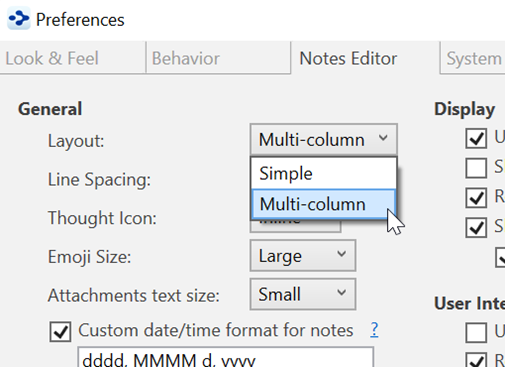
Figure 196. Switching to Multi-Column Layout
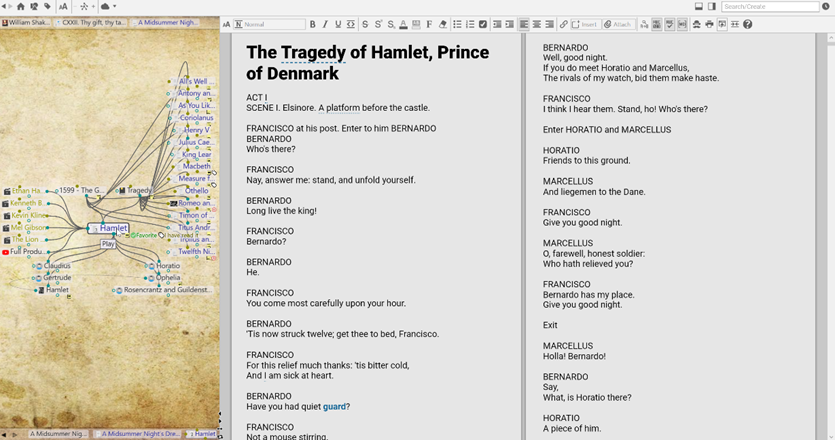
Figure 197. A Multi-Column Note
 If you are still seeing just a single column in Multi-column Layout, try giving the content area more screen real estate. Use the smart splitter to make the plex smaller. Multi-column notes are best suited for high resolution monitors.