Dynamic Wallpaper
Another advantage of using thought types in your brain is being able to utilize dynamic wallpaper. This enables you to change the wallpaper of the plex, based on the type of the current active thought.
To set up a dynamic wallpaper:
- Navigate to a thought type.
- Right click and select Set Dynamic Wallpaper
- Navigate through your machine to locate the desired wallpaper image and click Open.
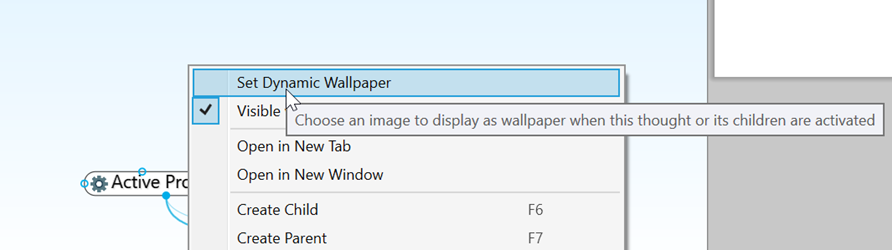
Figure 143. Setting Up Dynamic Wallpaper on a Thought Type
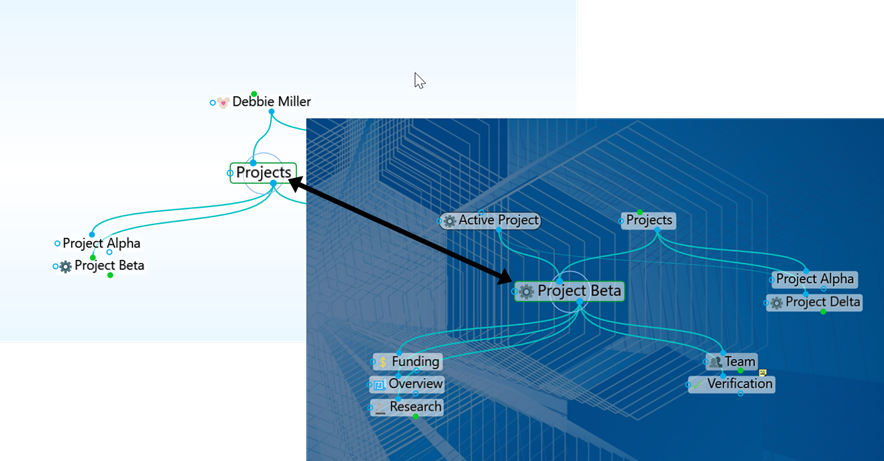
Figure 144. Navigating to a Thought with a Dynamic Wallpaper assigned to its Type
Navigating to any thought that is associated with a Thought Type containing Dynamic Wallpaper will fade the current background and transition to the Thought Type Wallpaper.