Language Options
TheBrain’s video tutorials are only available in English. If English is not your first language, please know that through Auto-translate, YouTube offers subtitles for over 80 languages which cover about 95% of the world’s population. To watch TheBrain tutorials with subtitles of another language, please follow the steps below:
- Open the YouTube video tutorial from TheBrain’s Tutorials page at TheBrain Tutorials
- Click on the YouTube button in that video toolbar.
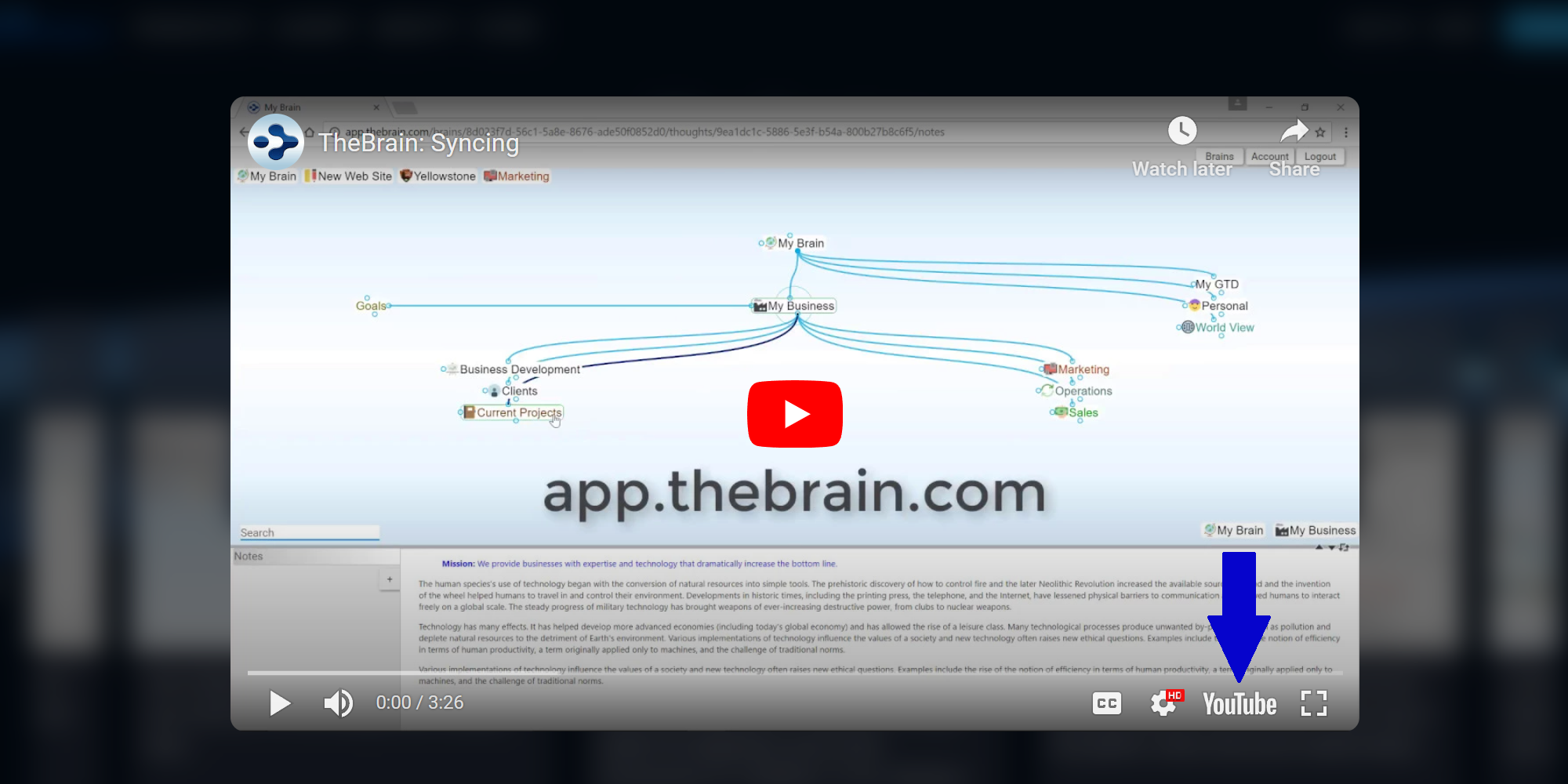
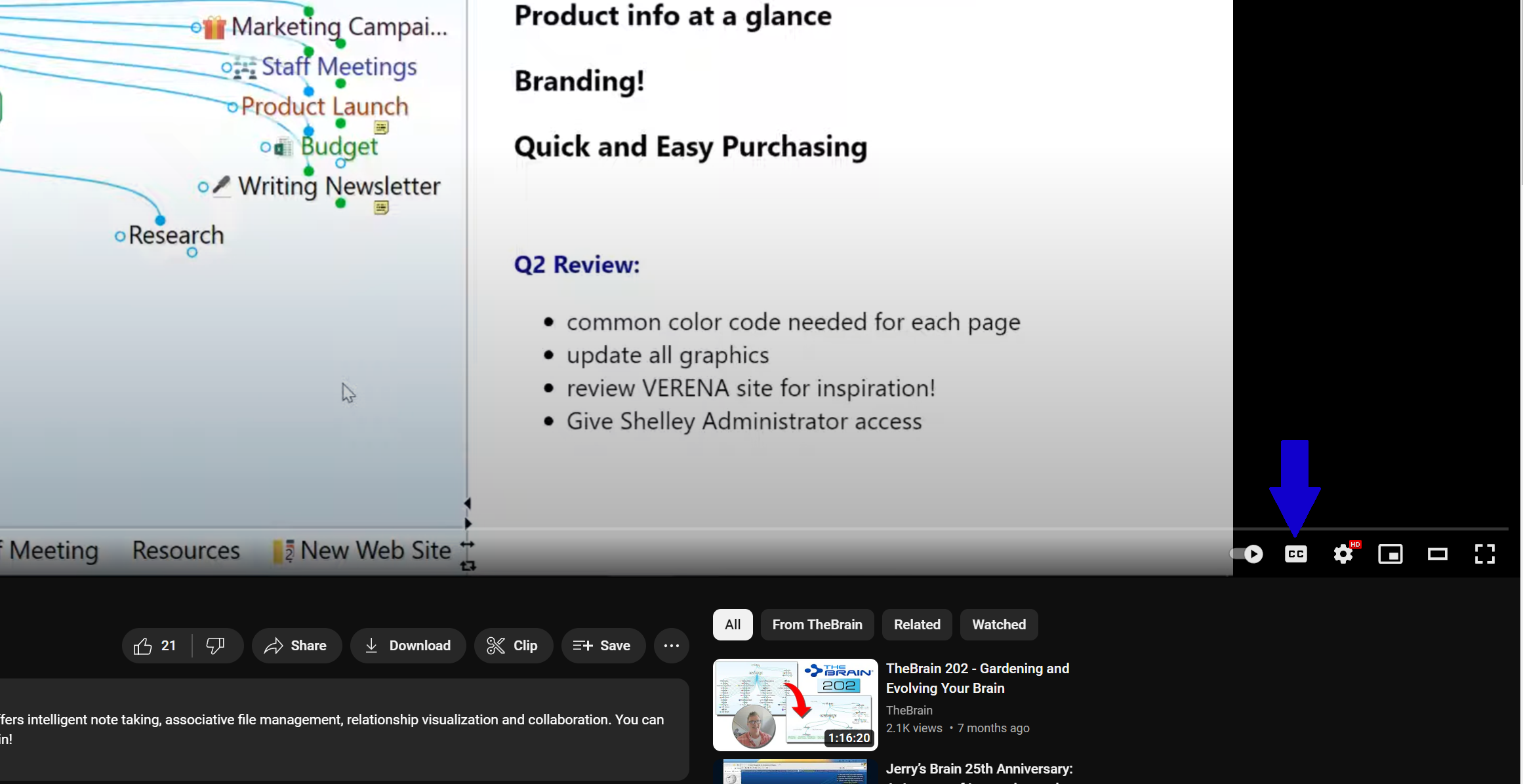
- After clicking on that YouTube button, you should be taken to the YouTube page for that video. In that page, please click on the CC button to enable closed captions for this video.
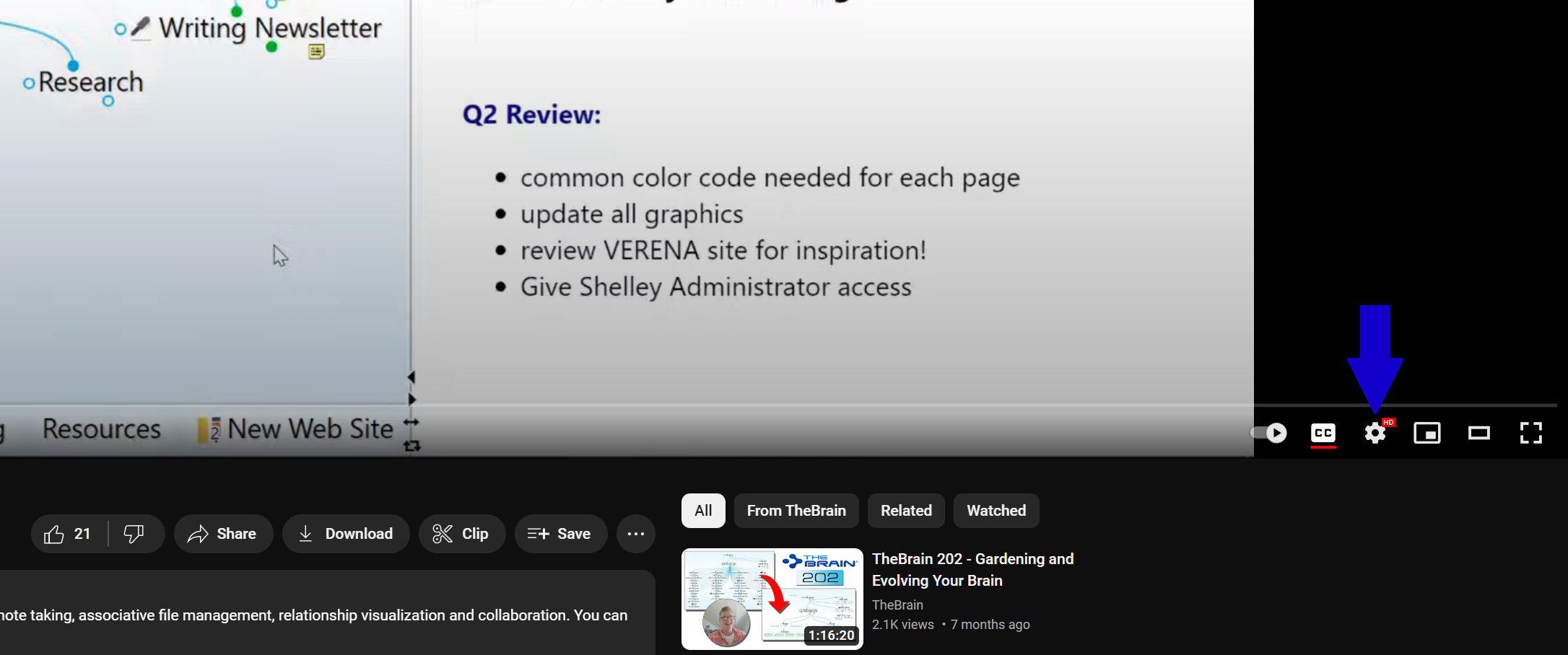
- Then, please click on the Gear Icon near the bottom right corner:
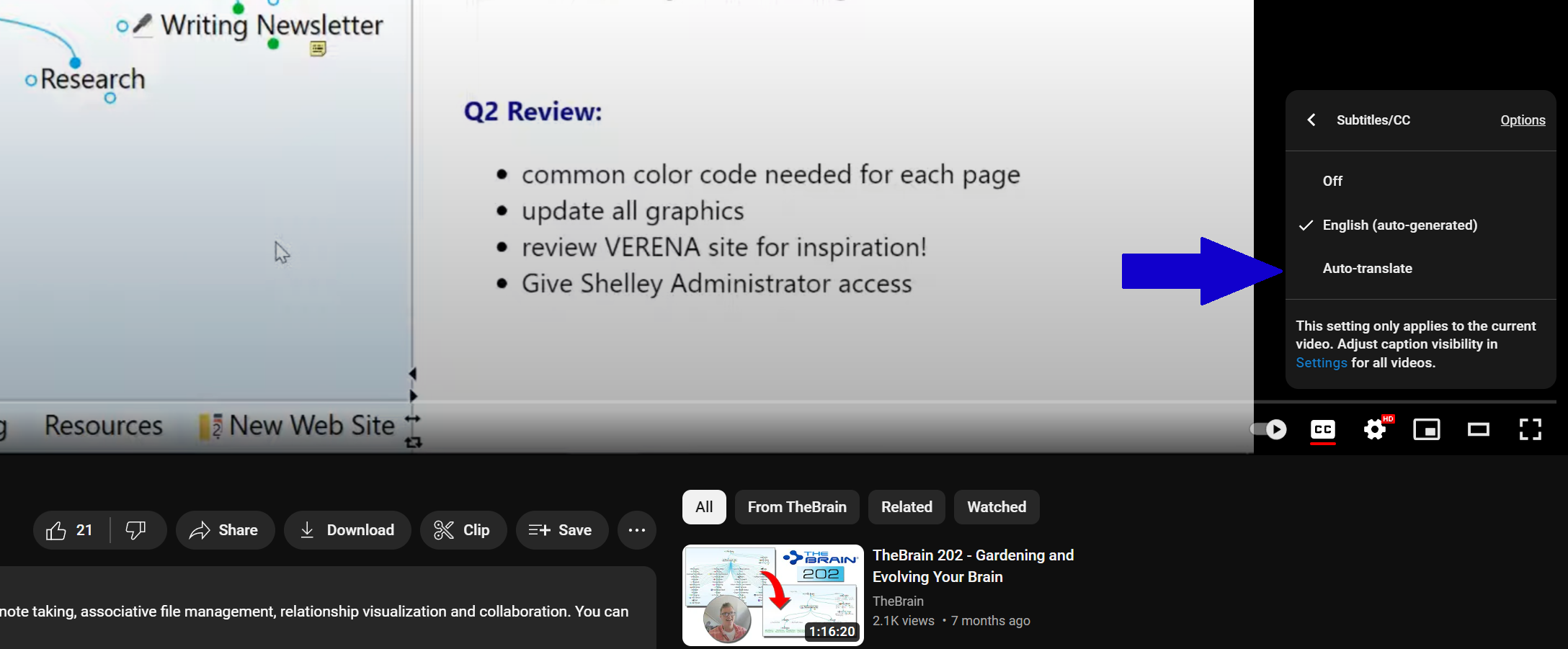
- Click on Subtitles/CC:
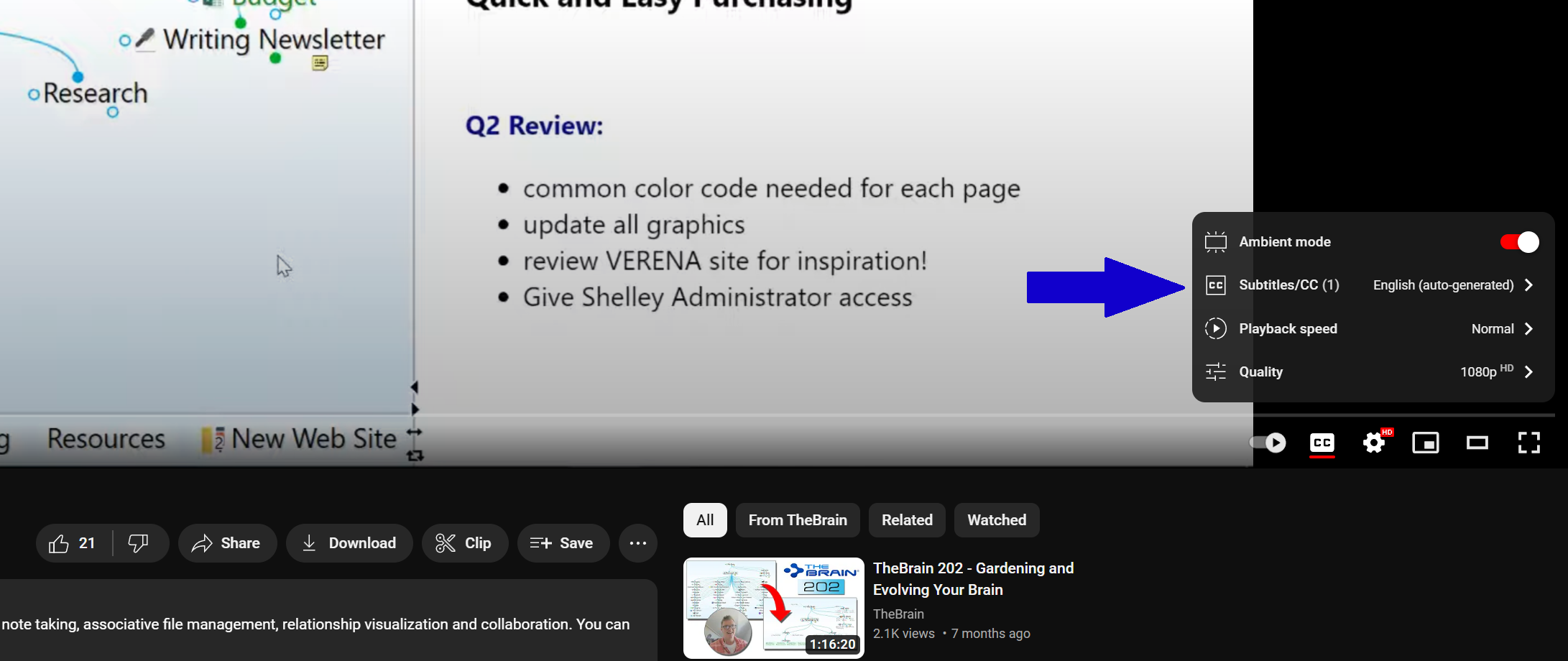
- Then select Auto-translate:
- Then, you can select an option from the list of languages that comes up:
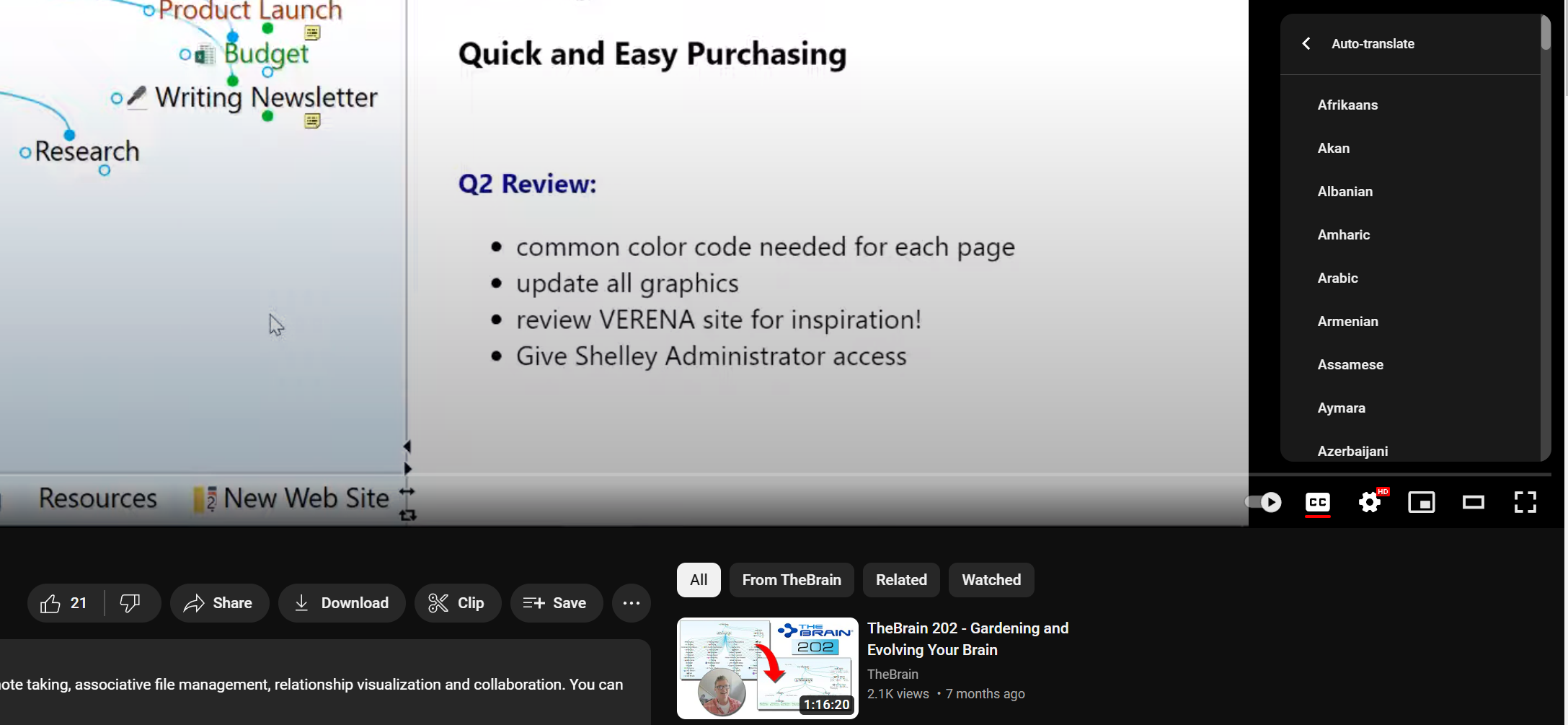
Please scroll through that list to find the language that you want the subtitles to be in.