Selecting a Theme
The Themes feature lets you choose from many built-in designs to customize the look of your brain, including the appearance of the plex and notes in the content area. You can change many of the default colors and the style of notes associated with the theme, then save the look of your brain as a new theme. This lets you quickly switch from one saved theme to another.
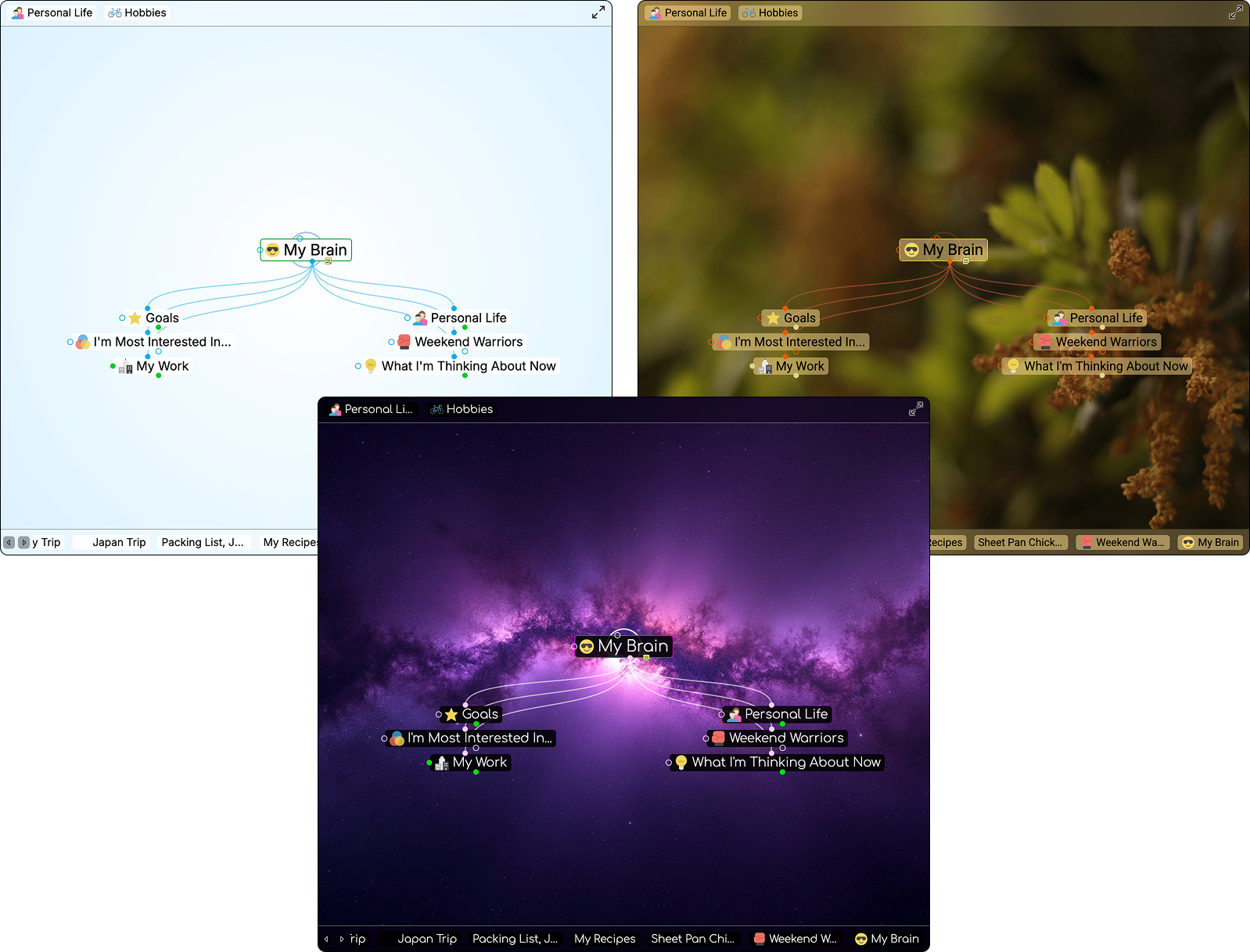
Sample Themes
To select a Theme:
- Either click the
gearicon (top right) or right-click any blank space in the plex.
- Click the
Brain Themecommand
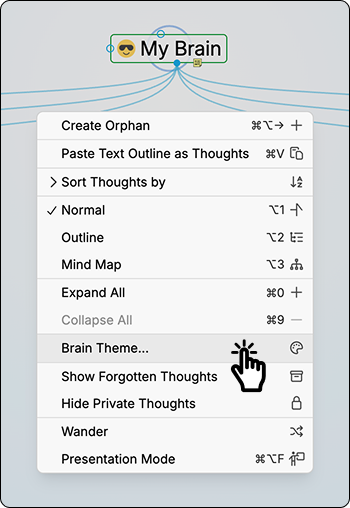
Right-Click Plex Menu
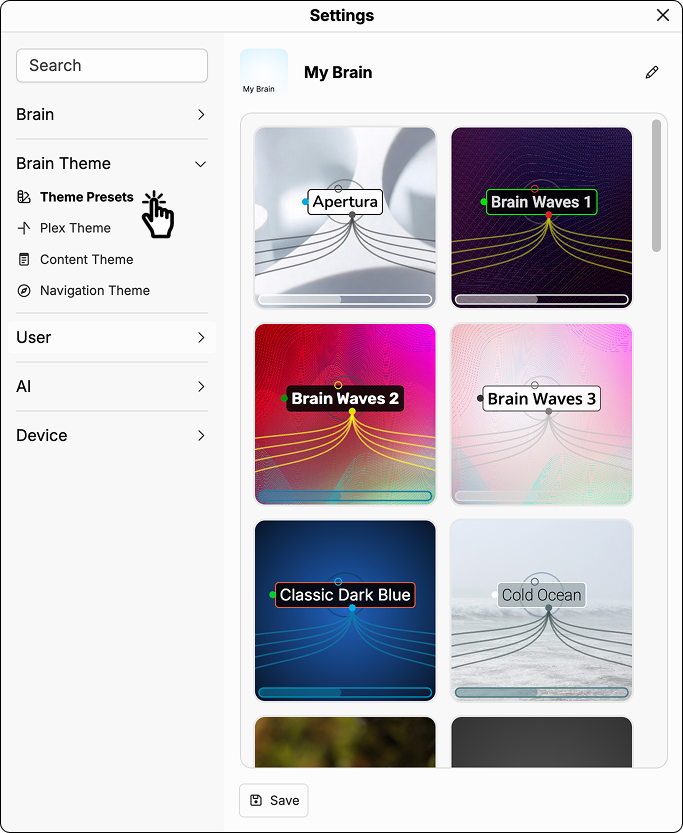
Accessing the Brain Theme Dialog Box
In the Brain Theme, you’ll see a scrollable list of available themes. Click on any theme to see how it looks in the plex.