Deleting a Theme
- In the Brain Theme box, click the Theme you want to delete, then click the Delete button.
 Clicking on a Theme that you want to rename will activate this Theme in your brain. You may want to save your current Theme first (if it has been customized) before renaming another, existing Theme.
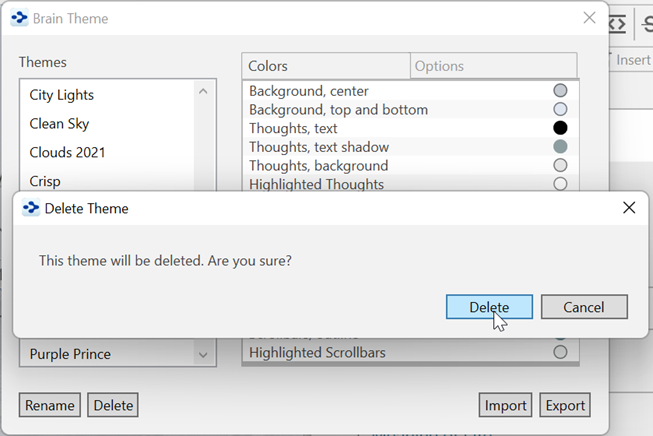
Figure 69. Deleting a Theme
- Click the Delete button to confirm that you’re sure you want to delete the Theme.
- Click the Close button (X) to close the Brain Theme box.