Merging Thoughts
You can automatically merge multiple thoughts that refer to the same thing. You can combine the links, attachments, and notes so that the resulting thought has all of the information from those multiple thoughts.
To merge thoughts:
Ctrl+clickon two or more thoughts that you want to merge into a single thought. The thought names will automatically appear in the Selection panel.
Right-clickin the Selection panel
- Select
Actions
- Select
Merge Thoughts
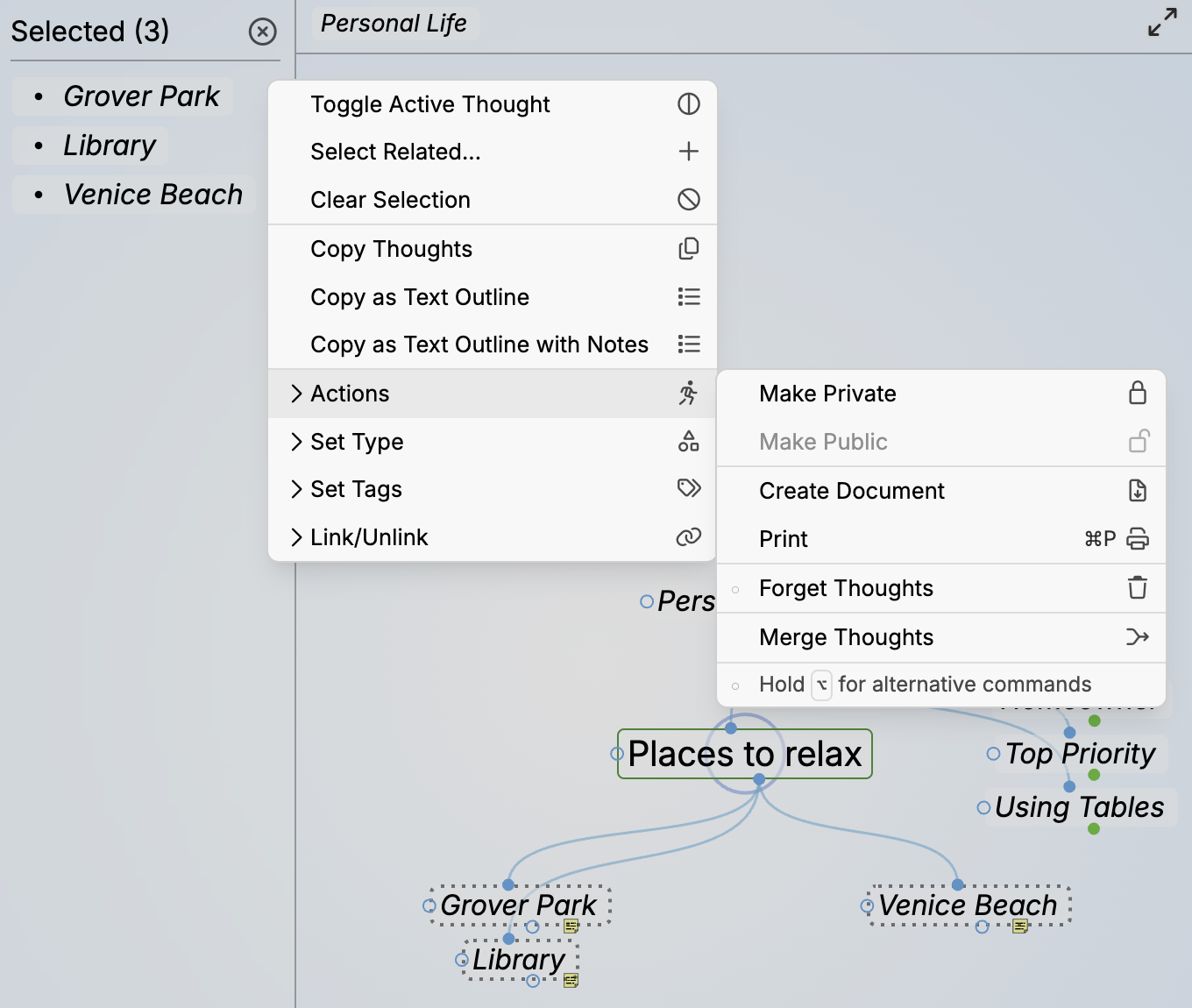
Merging Three Selected Thoughts into One
When you activate the new thought, you’ll see all the content that was in each of the standalone thoughts. The name of the new thought becomes a combination of the formerly separate thoughts, in alphabetical order.

Original Content Area of Three Thoughts before Merging
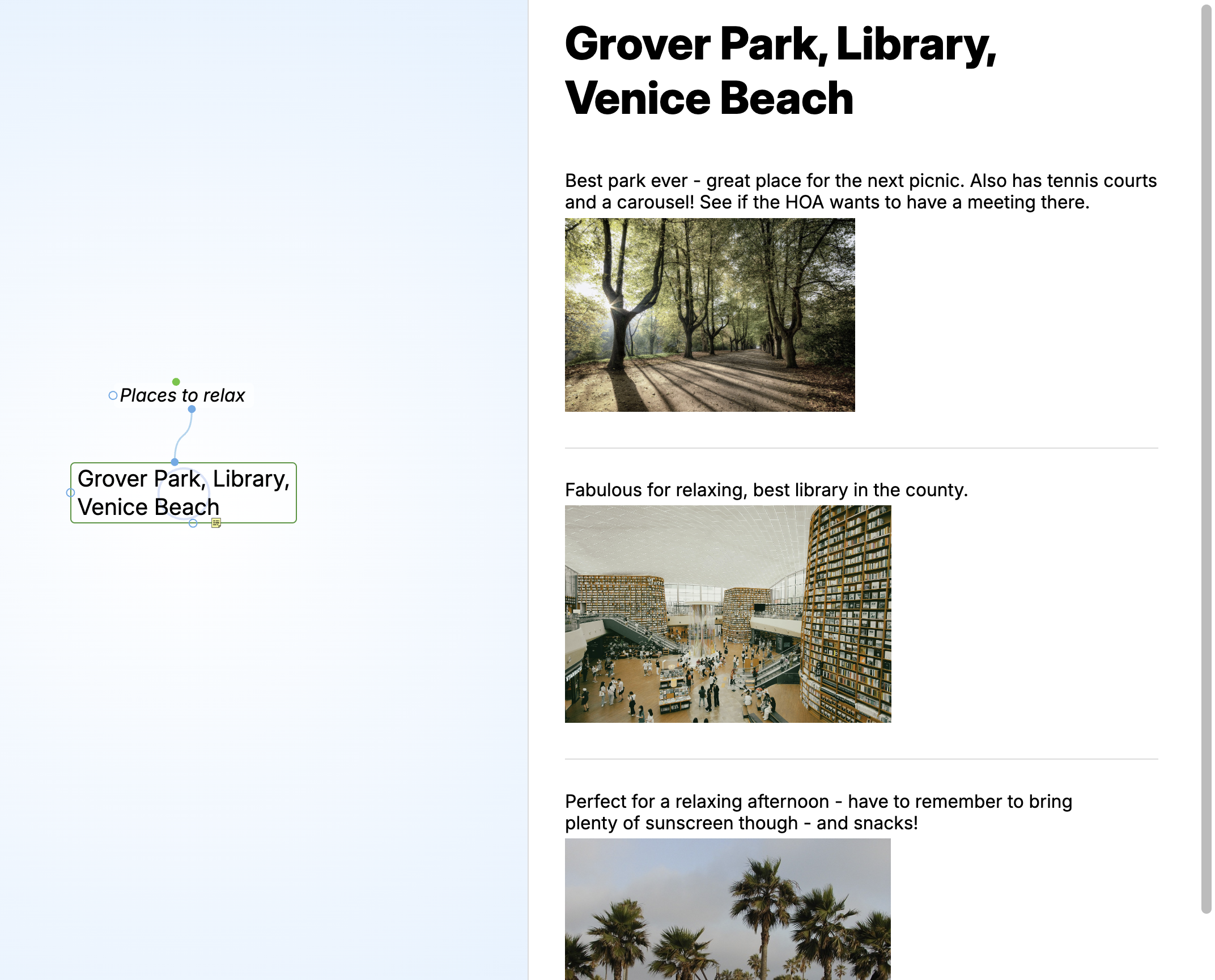
Results After Merging