Using Mind Map View
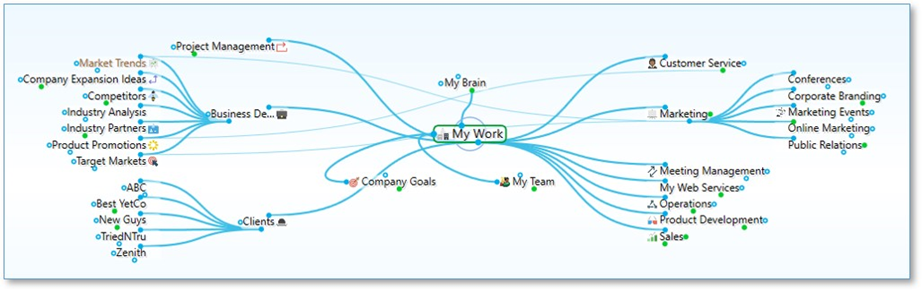
Figure 177. Mind Map View
The Mind Map view allows switching the focused thought without changing the layout for when you want to view and alter various pieces of content while keeping the view mostly static. Traditional mind map layouts can be created instantly from any thought.
To navigate to another thought in your plex while in Mind Map view, right-click the desired thought and select Activate Thought.
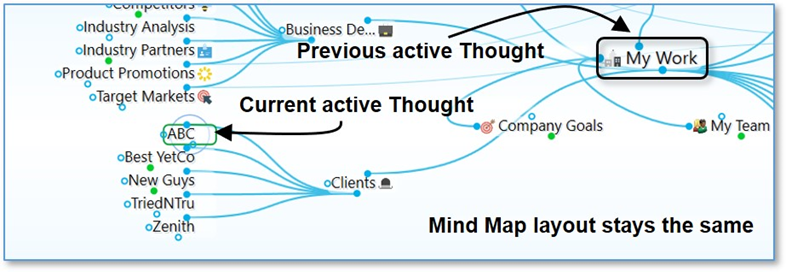
Figure 178. Changing the Active Thought without Changing the Layout
 As with Outline view, when the plex is in Mind Map view, you can show or hide generations of children for individual thoughts by pointing the mouse at a thought, then clicking the plus sign (+) or minus sign (-) icon to show or hide the thought’s children.