Markdown Variations
TheBrain 13 updated the markdown tags for designating underlined text to be more in line with traditional markdown specifications. This new setting in Preferences on the Notes Editor tab defaults to off (unchecked). Existing note content from earlier versions of TheBrain will remain in the same formatting. For example, the following markdown tags will designate underlined text:
This word is still _underlined_.
Checking the option for Render underscore tags as italics will change the word to be italicized.
This word is now italicized.
The markdown formatting commands for underscoring now utilizes an underscore and bracket:
This word is underlined in TheBrain 13.
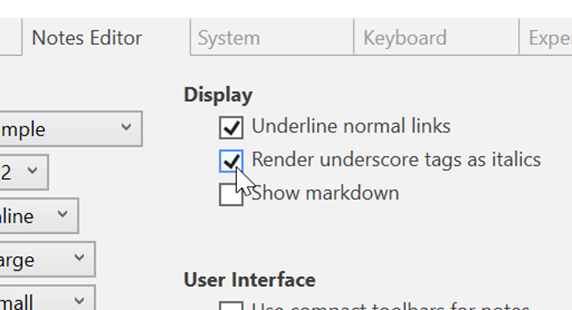
Figure 195. Render Underscore Tags as Italics