Arranging TheBrain Window
TheBrain lets you control how the plex and content areas are arranged in the window. By default, the plex appears on the left and notes on the right.
To change the layout, click the Menu icon (top left), go to View > Set View Mode, or use the keyboard shortcuts:
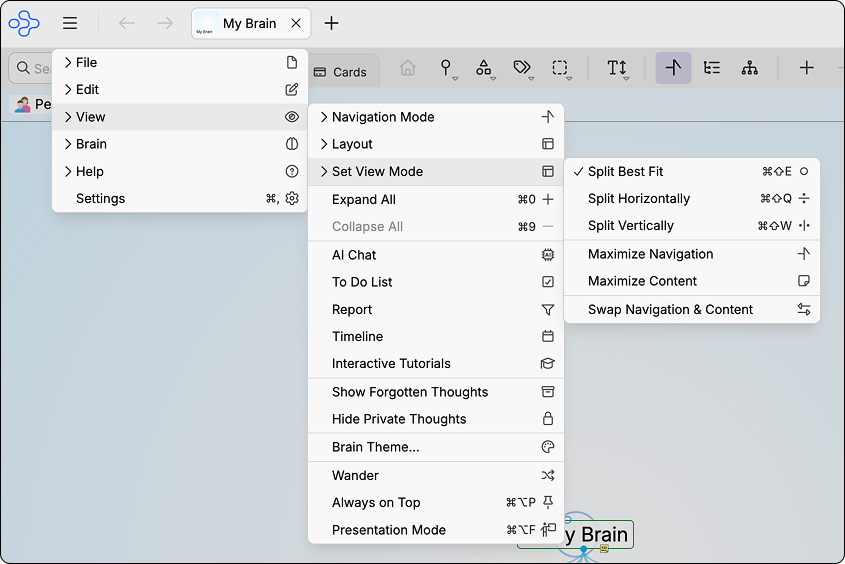
View Menu: Set View Mode Options
- Split Best Fit:
Cmd+Shift+E(Mac) /Ctrl+Shift+E(Windows)
- Split Horizontally:
Cmd+Shift+Q(Mac) /Ctrl+Shift+Q(Windows)
- Split Vertically:
Cmd+Shift+W(Mac) /Ctrl+Shift+W(Windows)
- Maximize Navigation: expands the plex to fill the window
- Maximize Content: expands the notes area to fill the window
- Swap Navigation & Content: flips the position of the plex and notes
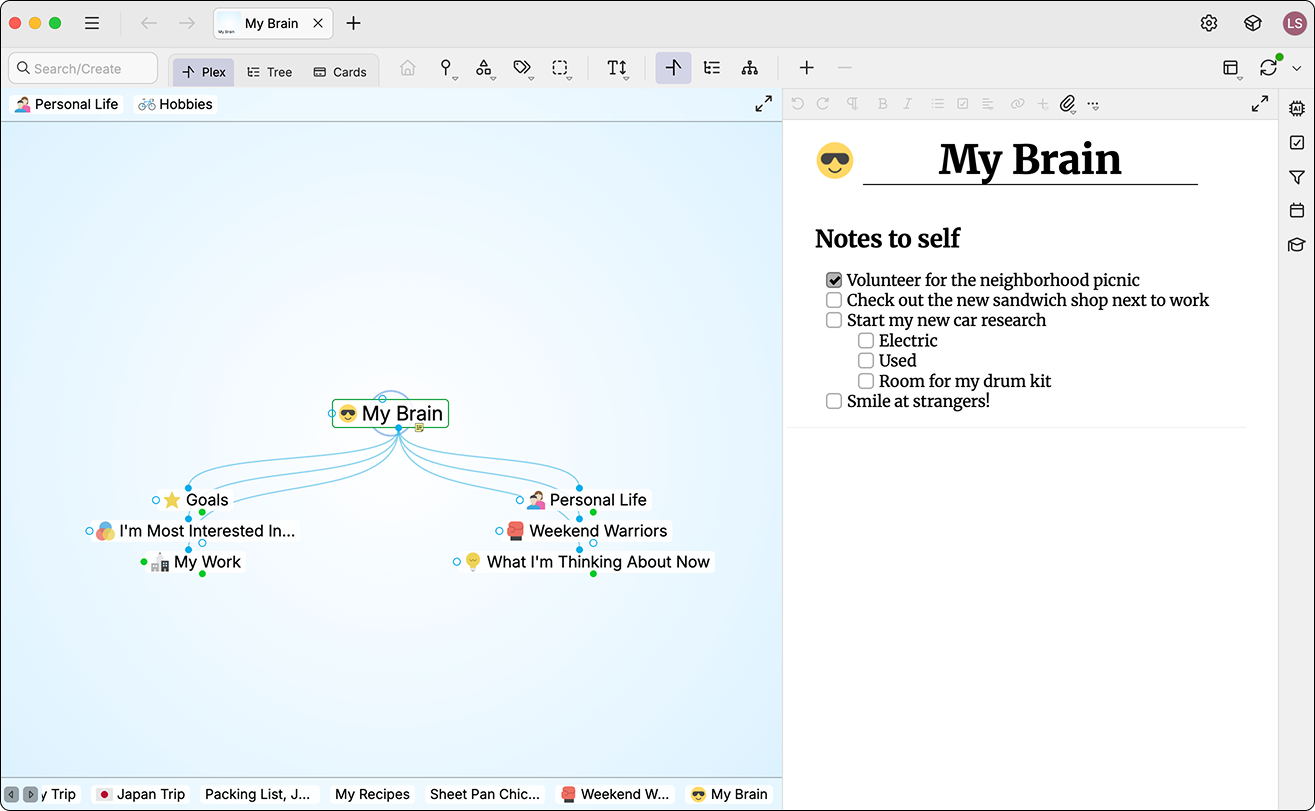
Default Layout: Plex Left, Notes Right
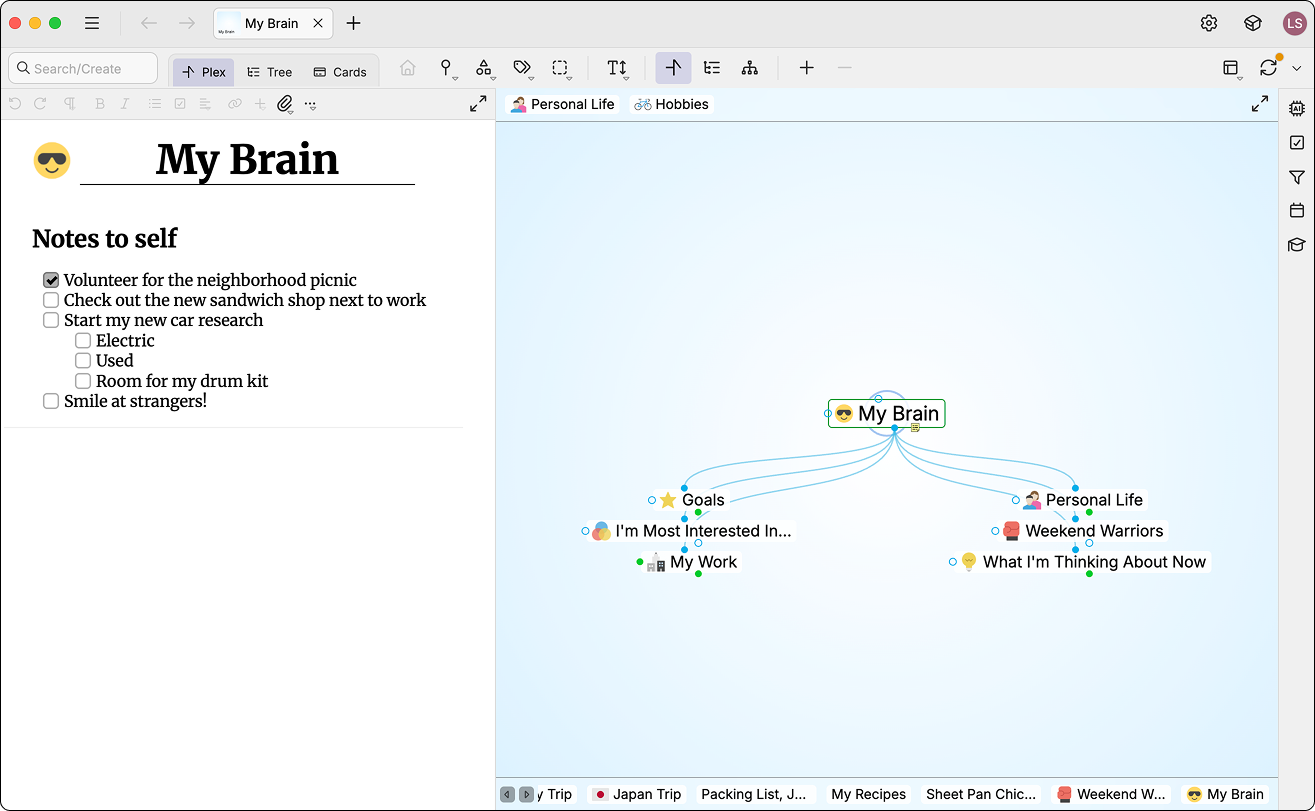
Mirrored Layout: Notes Left, Plex Right
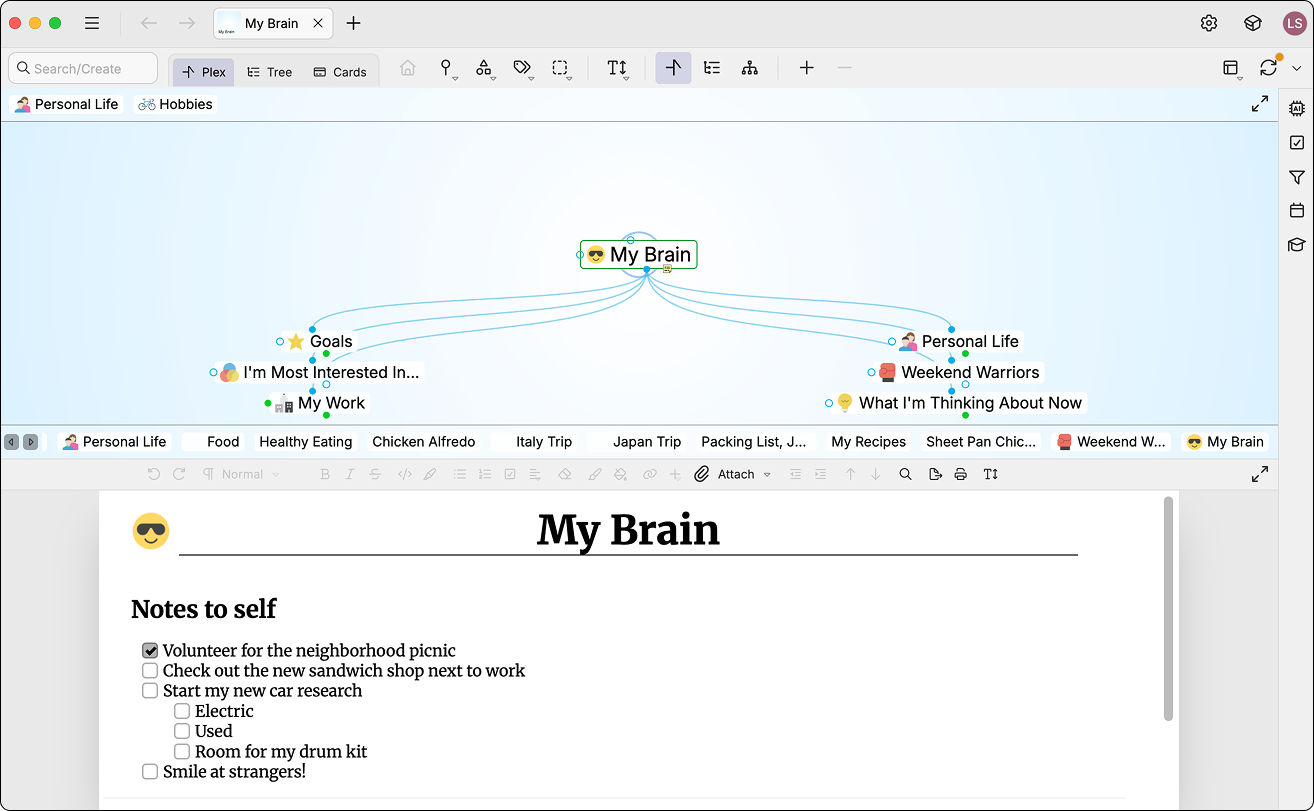
Split Horizontal View
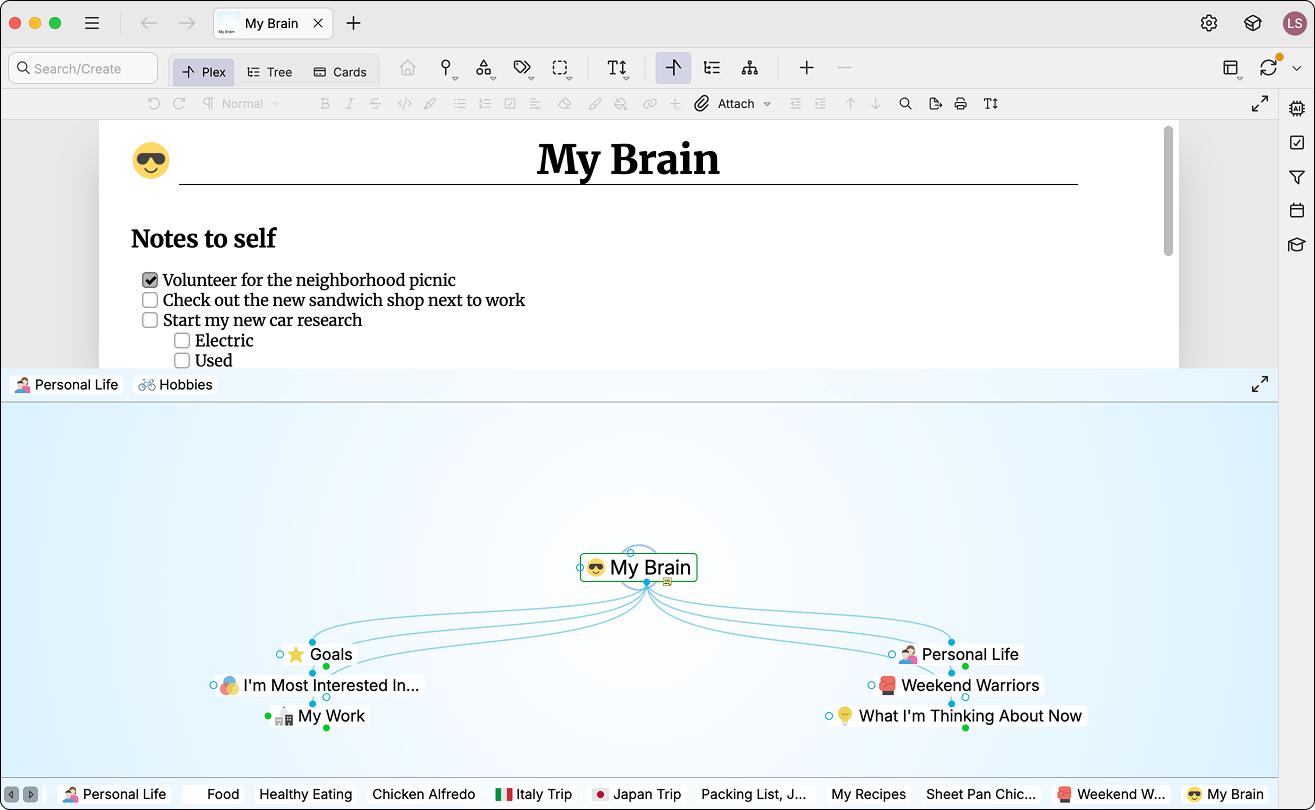
Split Horizontal View: Notes on Top
Tip: Hover your mouse over the border between the plex and notes. When the resize cursor appears, double-click to instantly swap their positions based on your current orientation.
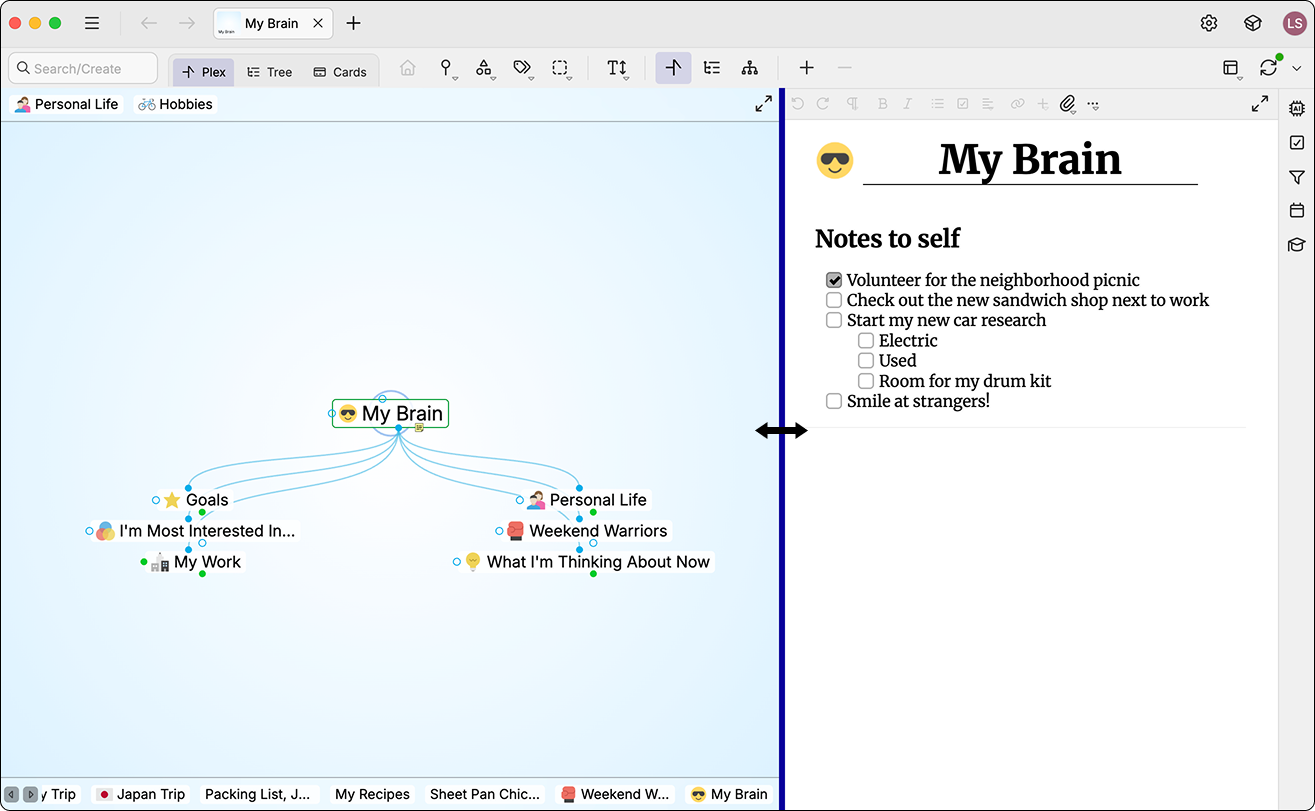
View Swap Shortcut