Microsoft Edge, BrainBox
The chrome extension (BrainBox) can easily be installed in Edge.
When using the Allow extensions from other stores option, it is possible to install Chrome Extensions in Edge.
Procedure:
- Go to the top right drop-down menu in Edge (3 dots)
- Choose Extensions
- Go to the bottom left of the window and toggle
Allow extensions from other storestoOn:
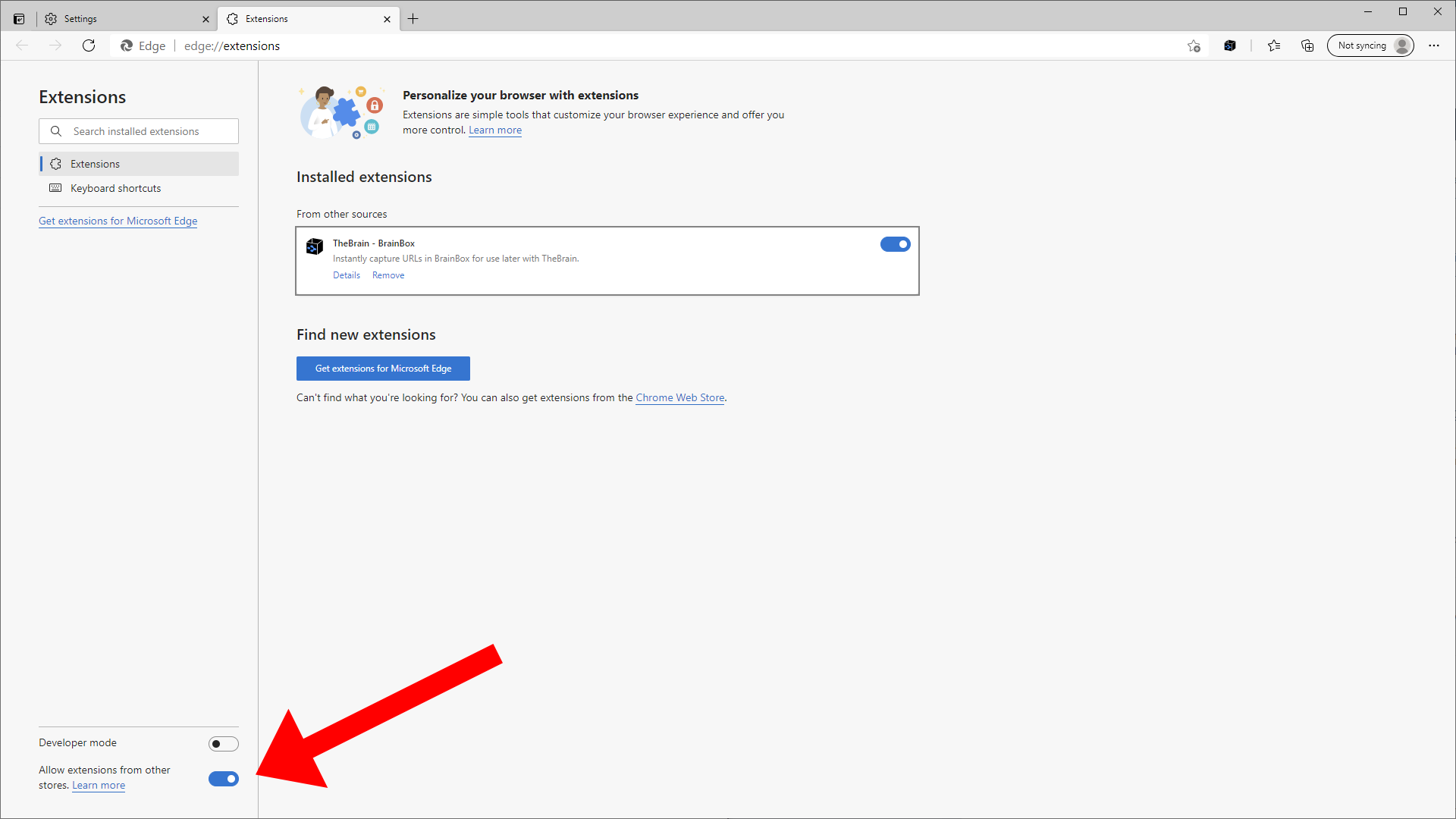
- Visit the Chrome Extension store
- Search for Brainbox and “add to chrome” while running Edge