Chronological Sort by trailing year
To get a chronological sort by the trailing year in TheBrain 15, you should bypass the standard Quick Search box (which prioritizes pins, recency, and exact text relevance). Use Reports instead.
Reports in v15 include dedicated sort-order controls that allow you to organize data alphabetically. Because your season names end with the year, an alphabetical sort automatically groups and sequences the years sequentially.
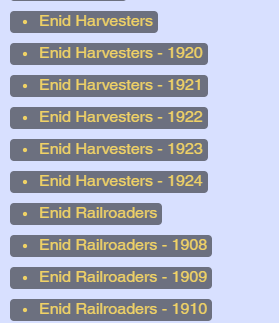
How to Do It via Reports:
- Open Reports:
- Navigate to the Reports feature (in v15, check the sidebar or view options to open the Report pane/tab).
- Set Your Criteria:
- Configure your report to pull the relevant category, tag, or parent thought associated with your historical season thoughts.
- Apply the Sort Control:
- Use the Sort drop-down menu in the reports results header (recently updated in v15 to include explicit sort-order controls).
I am not finding it here?
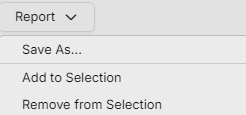
- Choose to sort by Name (ascending or descending depending on whether you want oldest-to-newest or newest-to-oldest).
Because your naming convention places the year at the very end (e.g., League Name 1885, League Name 1890), sorting alphabetically by Name lines up the trailing digits in proper chronological order.