Content settings are now split into Notes and Attachments tabs
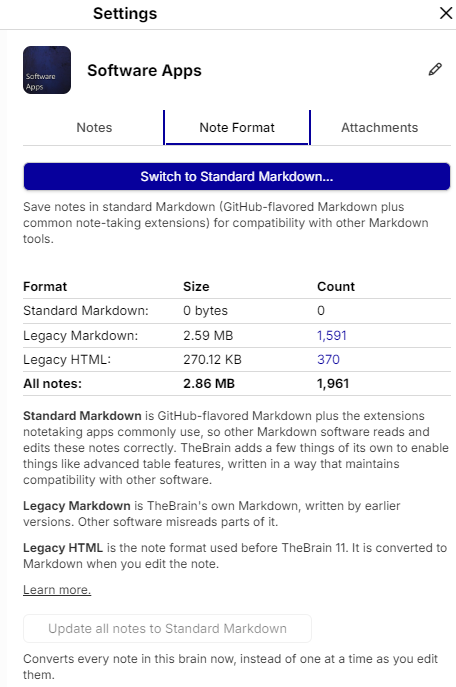
According to the current documentation, Content Area settings now cover separate concerns for Notes and Attachments.
- Notes: maximum note width and, at the brain level, The option to switch to Standard Markdown.
- Attachments: file-attachment behavior—preview, open externally, or download—and desktop URL-attachment behavior—embedded or external browser.
- Other content-area options include properties-header behavior, template filename handling, and previewing the first attachment when a note is empty.
The documented location is Settings → User → Content Area for personal content-area preferences, while Standard Markdown is under Brain Settings → Content Settings → Notes.