Create from Template
From the training video (I think this is old v.14 stuff or maybe beta v15)
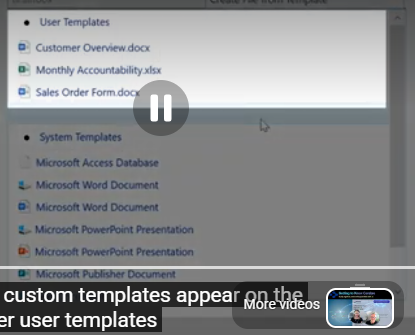
There used to be a "Template help" option on the bottom of the menu, that is no longer.
This is what it used to say:
"The templates folder contains files that are copied to create "new attachments". For example, to enable the creation of documents on your letterhead, copy your empty letterhead document to the templates folder."
Now the newer menu for Create from Template
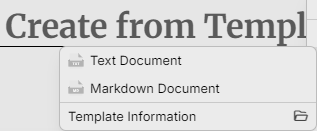
There used to be a "Template help" option on the bottom of the menu, that is no longer.
[ ] Create from Template
- Text Document
- Markdown Document
[ ] Template Information (folder)
Is "Create from template" command the same as "execute" template?
No. They are different concepts:
- Create from Template — creates a new attachment from a saved template. It is available in the desktop app under Add Attachment.
- Execute Template — is not described in the official documentation I found, so I can’t confirm what that command does or whether it exists in your version. (Yet, we use it all the time to execute a workflow template)
The documentation only confirms that Create from Template starts a new attachment based on a saved template. e.g. Business Letterhead.