Export
TheBrain features several export options. Export your brain data directly to:
Folders—Exports the thoughts in your brain by converting them to a folder hierarchy.
- Each thought becomes a folder containing the attachments and notes within it.
- The folder structure attempts to mimic the parent-child relationships between thoughts with parentless thoughts at the top level.
- Shortcuts on Windows and symbolic links on macOS are used to represent thoughts that are under multiple parents.
Text Outline (.txt file)—Creates a text outline of thoughts, notes and URLs.
- Indented hierarchy mimics parent-child relationships between thoughts.
- Notes are exported as lines starting with a - (dash)
- URLS are added lines starting with a + (plus)
JSON Files—Exports your brain data in JSON format.
- Thoughts, links and other types of data are each exported in their own .json file.
- Attachments and notes are exported into folders based on the ID of the thought or link they are attached to.
- This gives you access to 100% of your data in an open and easily parsed modern text format.
To export your brain:
- Select Export from the File menu
- Select the output (Folders, Text or JSON) and click on Export
- The output location must be an empty directory
- To export just a portion of your brain, add thoughts first into TheBrain’s Selection panel and then check the option to Only export the selection in the Export window.
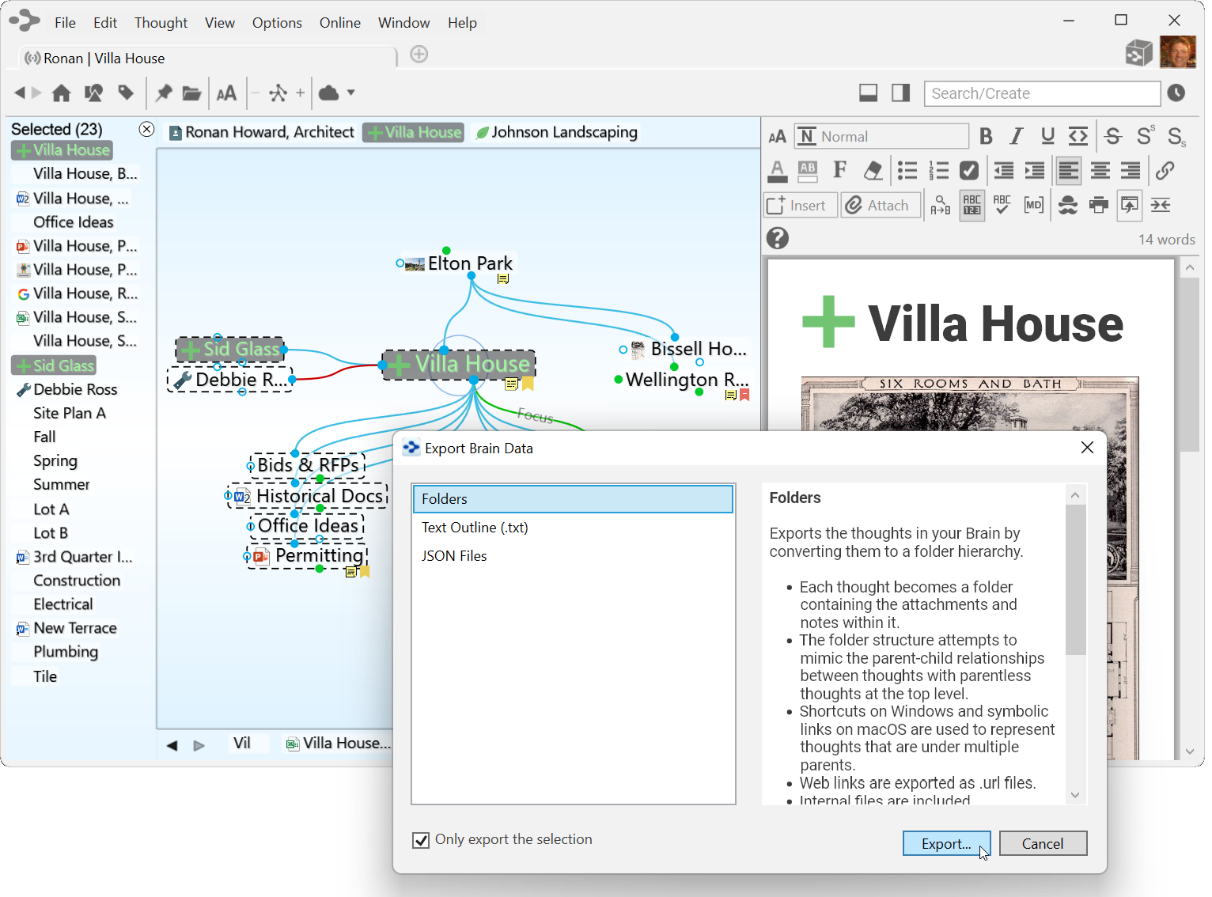
Figure 310. Exporting a Brain to Folders