8 Using the Search box
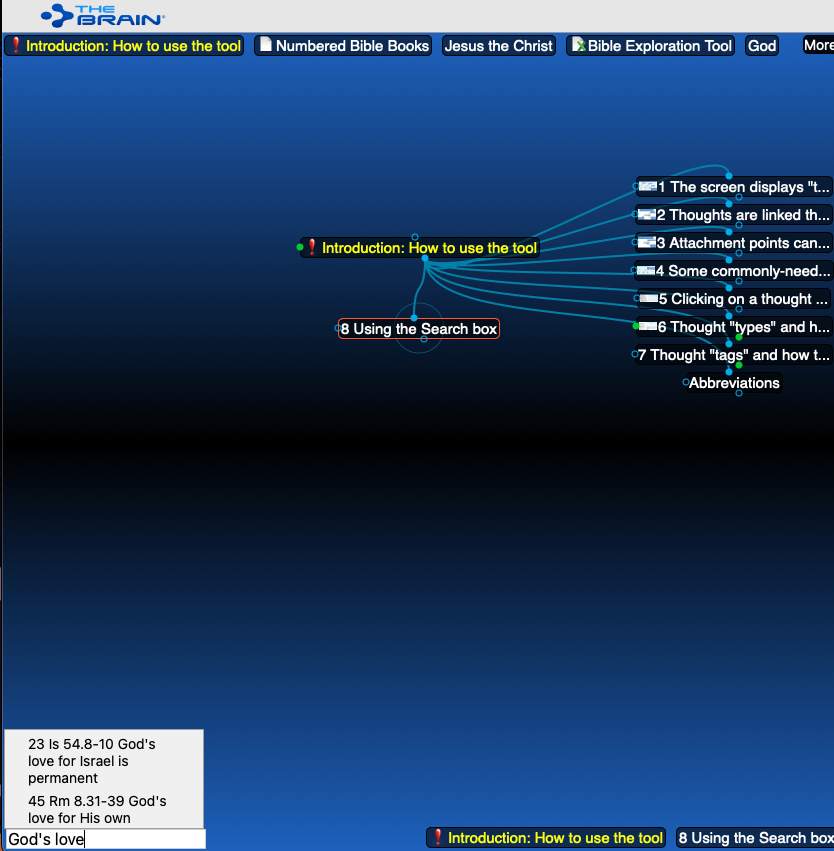
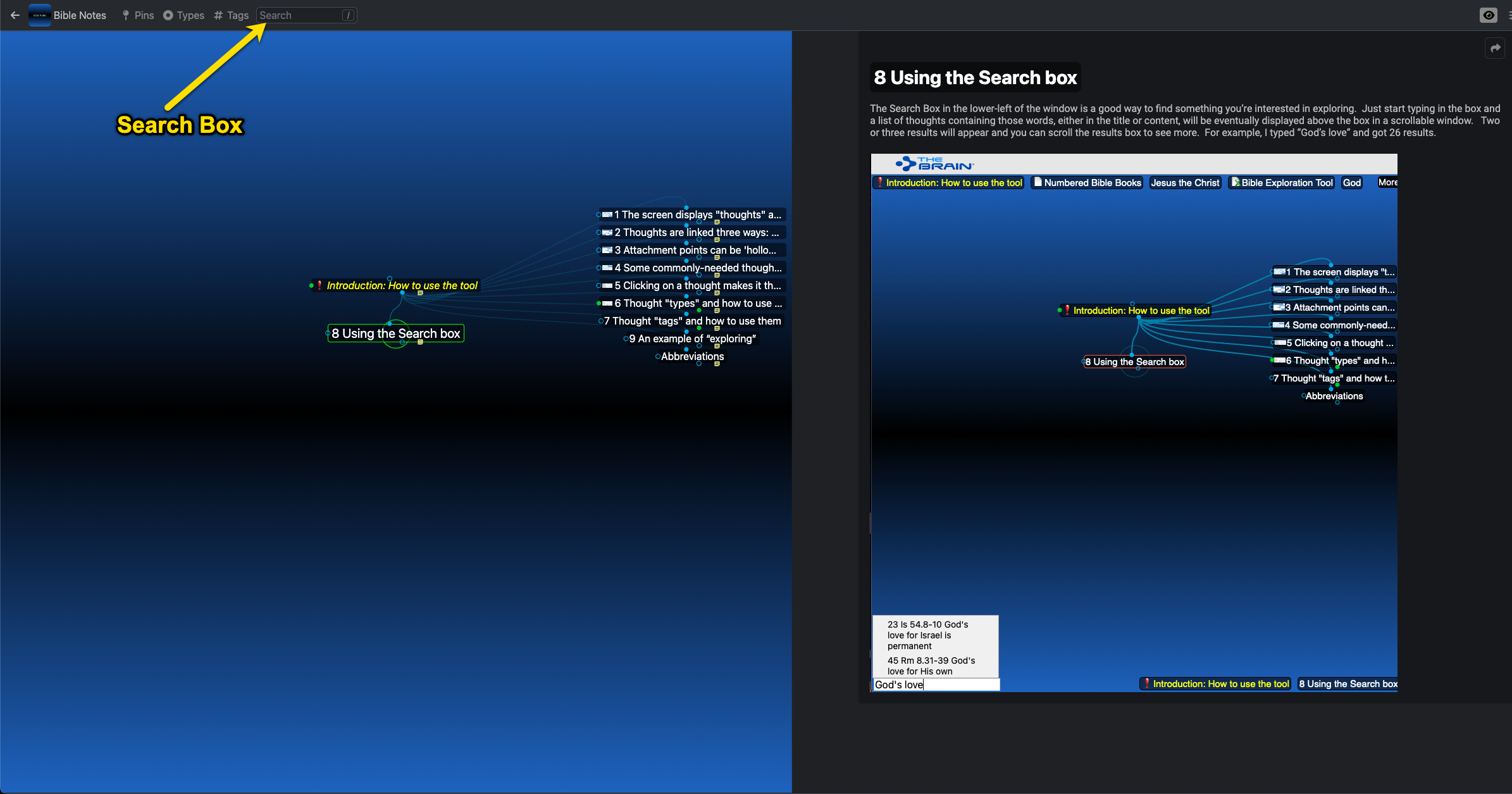
The Search Box in the lower-left of the window (or above the blue-shaded area of the screen as shown in the second image below) is a good way to find something you’re interested in exploring. Just start typing in the box and a list of thoughts containing those words, either in the title or content, will be eventually displayed above the box in a scrollable window. Two or three results will appear and you can scroll the results box to see more. For example, I typed “God’s love” and got 26 results.