Masscan
MASSCAN is TCP port scanner which transmits SYN packetsasynchronously and produces results similar to nmap, the most famous port scanner. Internally, it operates more likescanrand, unicorn scan, and ZMap, using asynchronous transmission. It’s a flexible utility that allows arbitrary address and port ranges.
$ masscan -\-helpMASSCAN is a fast port scanner. The primary input parameters are theIP addresses/ranges you want to scan, and the port numbers. An exampleis the following, which scans the 10.x.x.x network for web servers: masscan 10.0.0.0/8 \-p80The program auto-detects network interface/adapter settings. If thisfails, you'll have to set these manually. The following is anexample of all the parameters that are needed: -\-adapter-ip 192.168.10.123 -\-adapter-mac 00-11-22-33-44-55 -\-router-mac 66-55-44-33-22-11Parameters can be set either via the command-line or config-file. Thenames are the same for both. Thus, the above adapter settings wouldappear as follows in a configuration file: adapter-ip = 192.168.10.123 adapter-mac = 00-11-22-33-44-55 router-mac = 66-55-44-33-22-11All single-dash parameters have a spelled out double-dash equivalent,so '\-p80' is the same as '-\-ports 80' (or 'ports = 80' in config file).To use the config file, type: masscan \-c <filename>To generate a config-file from the current settings, use the -\-echooption. This stops the program from actually running, and just echoesthe current configuration instead. This is a useful way to generateyour first config file, or see a list of parameters you didn't knowabout. I suggest you try it now: masscan \-p1234 -\-echoIf you’ve used nmap, it’s very similar to that. You can easily scan ports and stuff by masscan.
masscan \-p<ports you want to scan> <hostname/host_IP>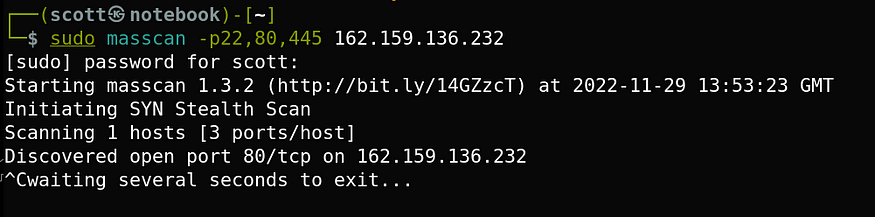
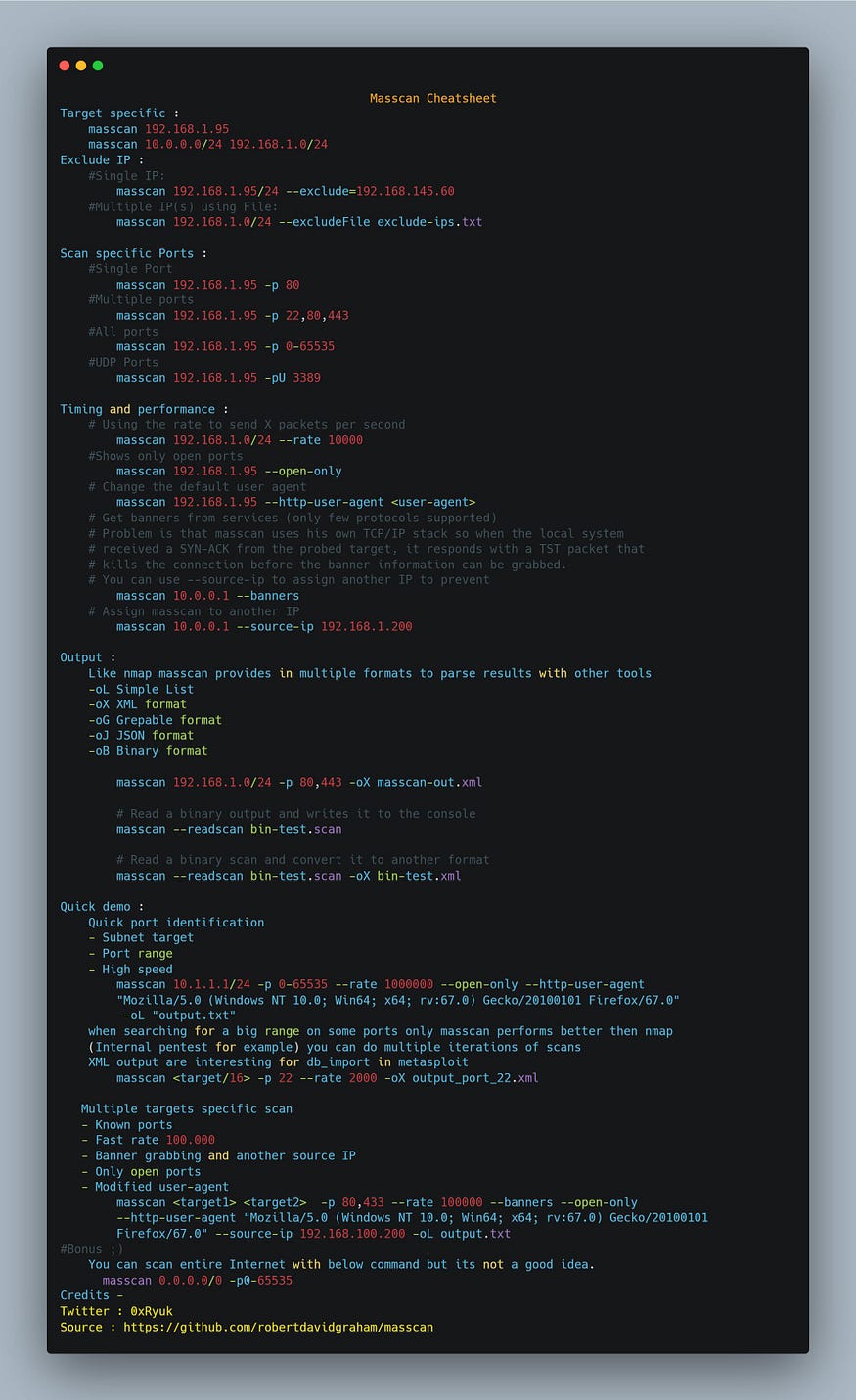
Here is a one page help sheet for masscan, I’ll suggest you to download it before using masscan.