Create new organisation
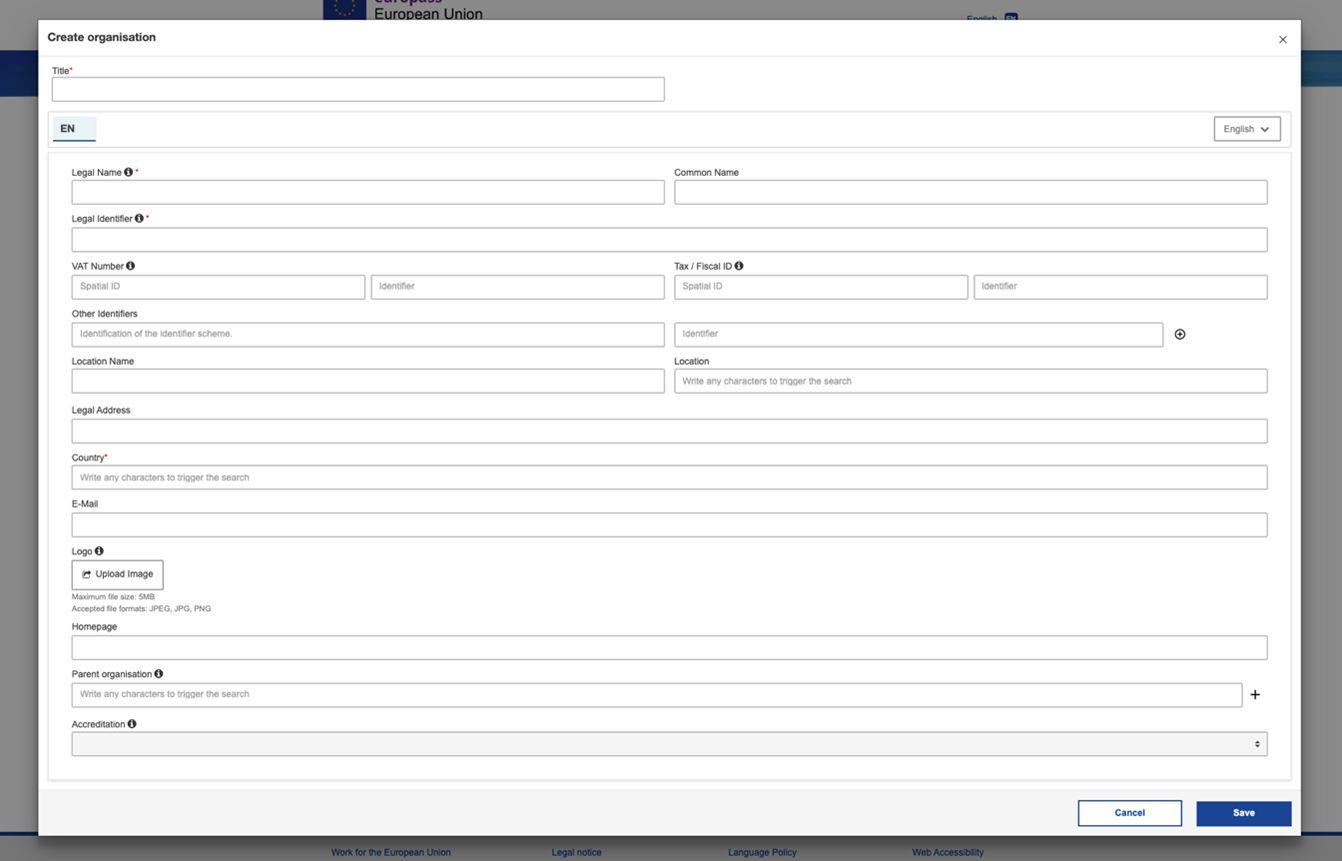
In the Organisation tab, you will be able to create and fill in all the information about the legal person/ registered entity which issues the digital credential, conducts the learning activities or assessment or acknowledges the credential holders' entitlements.
The only information compulsory for you to fill in to create an organisation is:
- The legal name
- The legal Identifier
- The country of the organisation
You are free to provide as many details as you like about the organisation such as the VAT, Tax/fiscal ID, the legal address, or even a logo. Please note that the legal identifier (compulsory data) and the VAT and tax/fiscal identifiers are composed of two bits of data, a so-called spatial ID indicating the organisation’s country of location, and an identifier, that is normally a series of numbers and letters.
It is possible to specify that an organisation has a parent organisation by creating another organisation and connecting the two organisations in the section ‘Parent organisation’.
Once you have saved your organisation, it will appear in the tab menu where you will be able to see all the organisations you have created. You can edit, delete or duplicate them at any time.
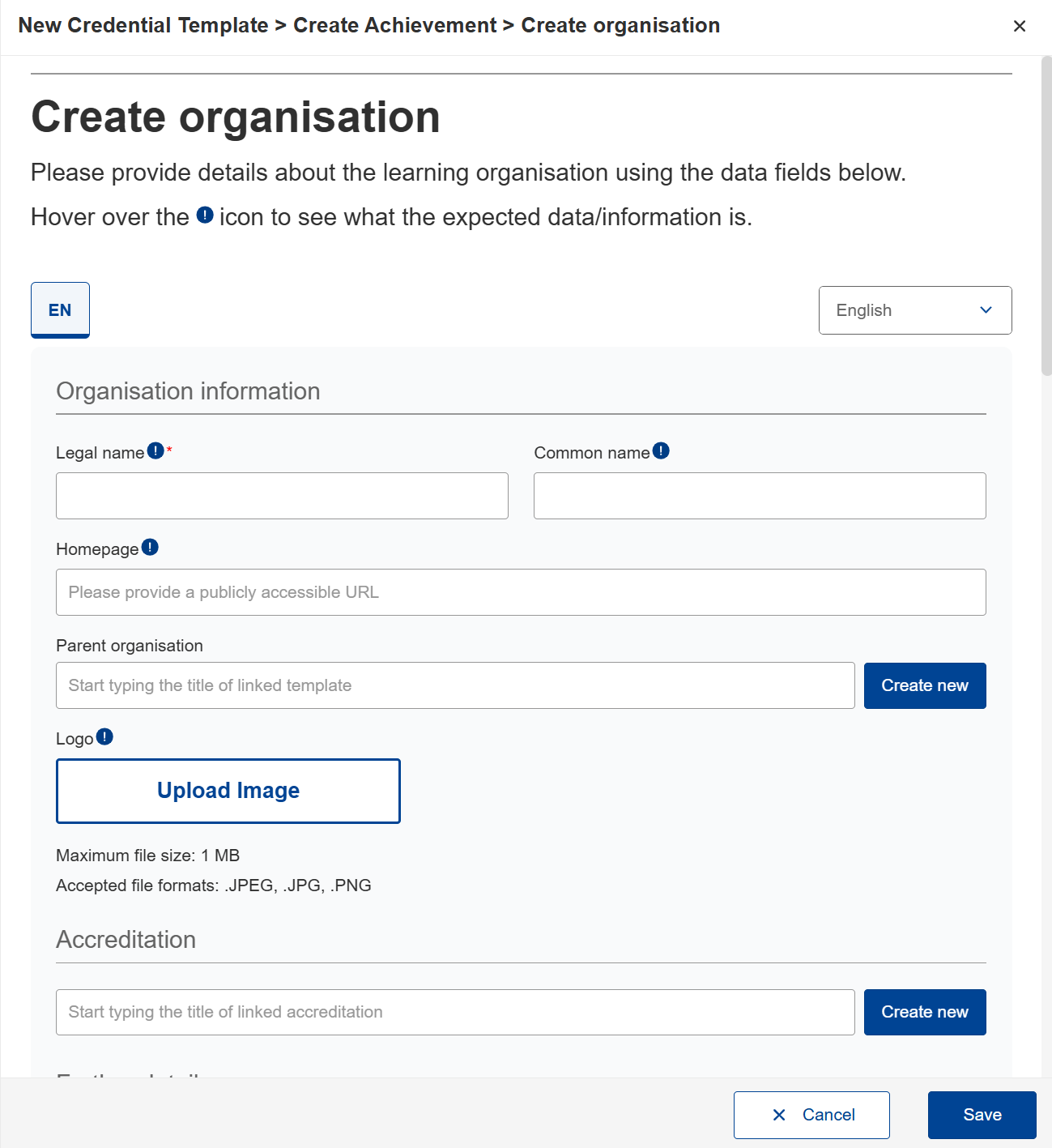
In this section you have to provide details about the learning organisation using the data fields below:
Organisation information:
Accreditation
Further details
More information