Turning off/activating link #96022
https://thebrain.zendesk.com/agent/tickets/96022
Hello Karl,
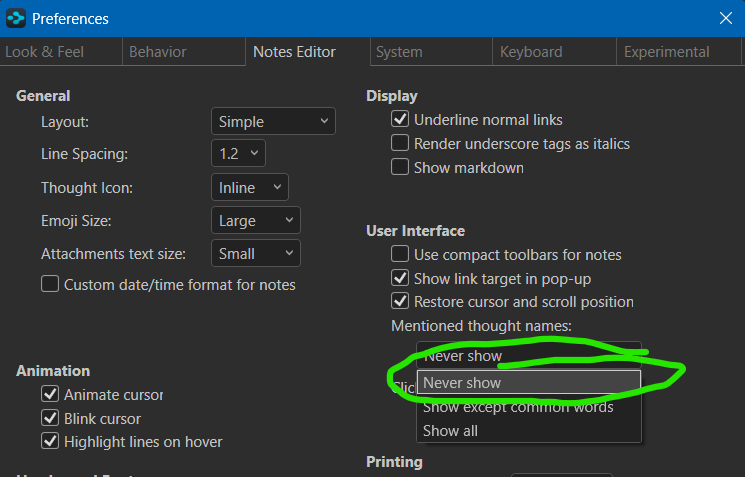
Thank you for your feedback! I understand how the constant activate/link option can be disruptive. To turn it off, please follow these steps:
- Go to Options (located on the top-right toolbar).
- Select Preferences.
- Navigate to Notes Editor > User Interface.
- Under Mentioned Thought Names, change the selection to Never Show.
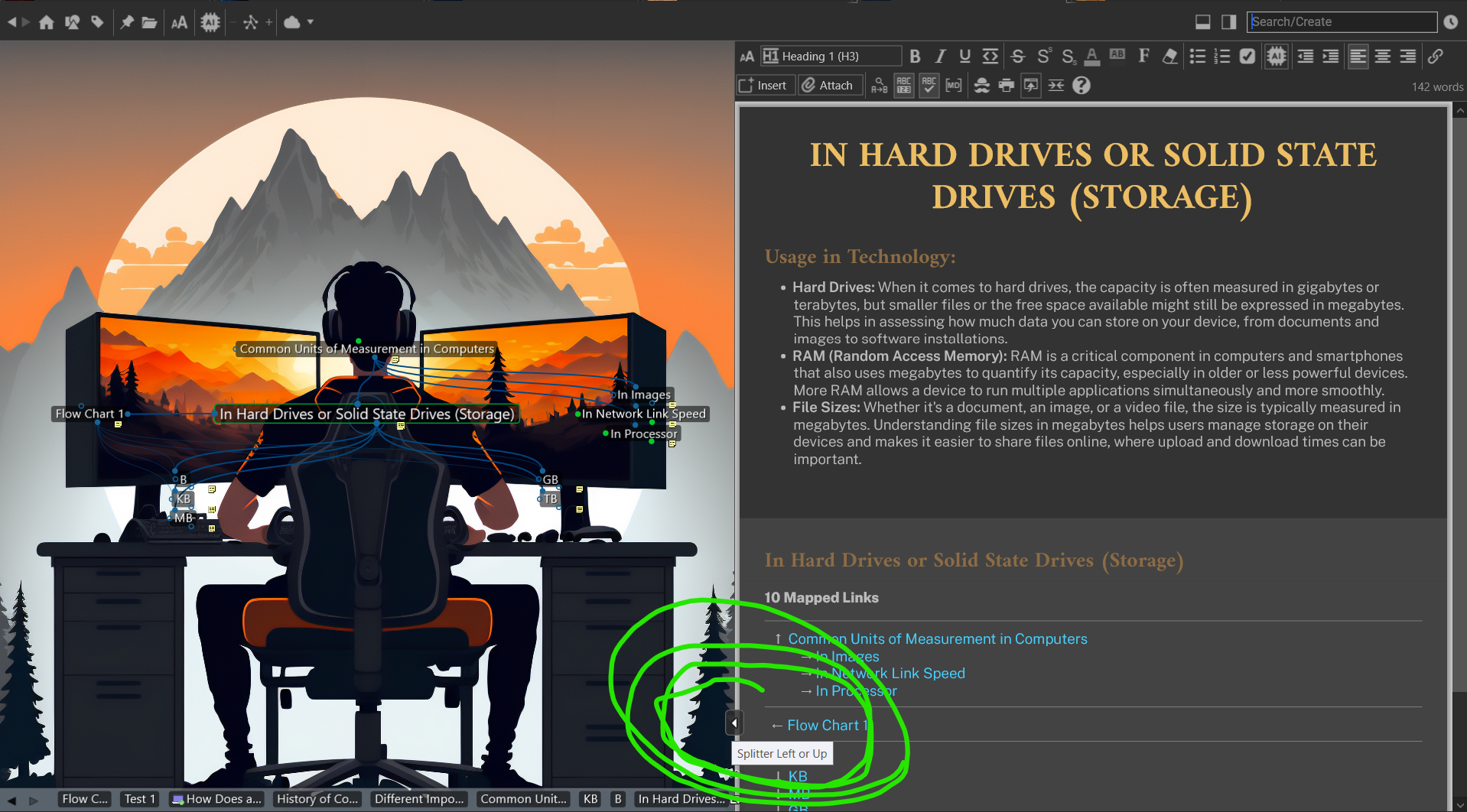
Regarding being able to open in the notes editor, you do have the option to hide the plex (or notes editor, or even change orientation) if you want by using the smart splitter bar as shown below:
Please let me know if you have any further questions or suggestions!
Best regards,
John