Merge Two Thoughts Instructions #100773
https://thebrain.zendesk.com/agent/tickets/100773
Hello,
Thank you for reaching out.
Once you have selected the thoughts, they should appear in the Selection List.
From there:
• Open the Selection List
• Right click inside the Selection List area
• Go to Actions
• Select Merge Thoughts
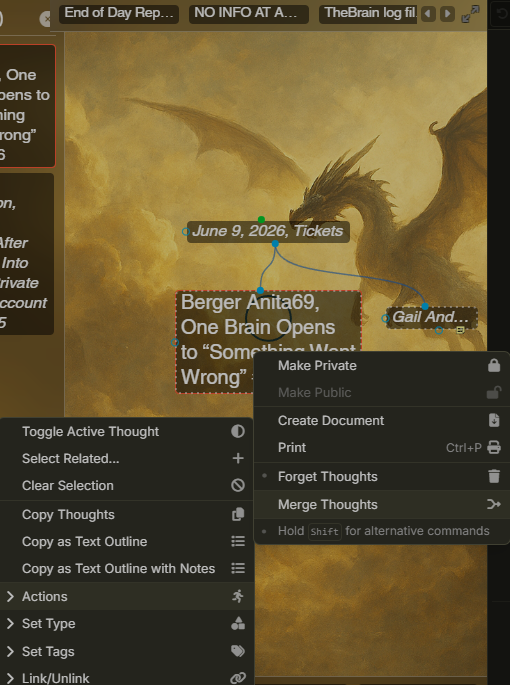
If you need to add thoughts to the Selection List first, hold Ctrl on Windows or Command on Mac, then click each thought you want to include.
Best regards,
John