Resetting email when lost #94516
https://thebrain.zendesk.com/agent/tickets/94516
Hello/Salam Yacoub,
Thank you for writing in. The easiest way to regain access to your account is to simply reset your password at https://app.thebrain.com/login . However, this may not be possible if you no longer have access to the email address associated with your account. There is no automated way to change the email address associated with an account without the password or access to the original email address. This is a safety measure that protects our customers and their data.
In a case where the original email address is no longer accessible and the password is unrecoverable, the email address can be changed after manual ID verification by TheBrain staff using a government-issued photo ID (driver’s license or passport).
To proceed, send us a single high-resolution image that contains:
- Yourself (a “selfie”)
- Your government-issued photo ID (driver’s license, passport, etc.)
- A piece of paper with the following code:
- VM61ZH28
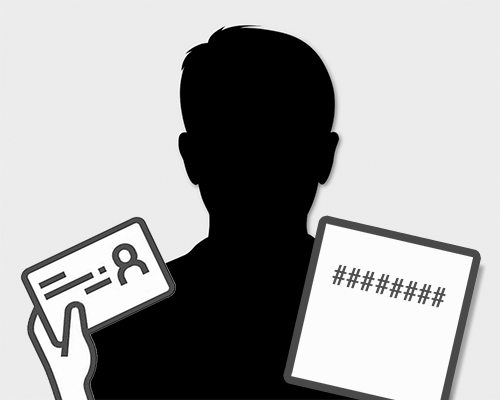
Again, this would be just a single image of you holding your ID and the code we’ve provided.
Send us the photo from the email address you wish to have your account changed to. If we are unable to verify the photo and ID as legitimate or if the name does not match the record for the account we will not be able to change the email address.
Upon verification, we’ll update your account with the new email address. You can then return to https://app.thebrain.com/login and reset the password for your account with this new/accessible email address.
Please let us know if you have any further questions.
Thank you/shukran/شكرًا,
John