Where to find output.log #94761
https://thebrain.zendesk.com/agent/tickets/94761
Hello Julian,
You can find the output.log file in the following ways:
If you are on MacOS:
- Log files may be retrieved by navigating to
Help > Open Log Directory, then sending theOutput.logfile contained within to us at support.thebrain.com (https://support.thebrain.com)
- In the event where you cannot open the brain
- Open Finder
- Click on Go > Go to Folder
- Type "/.TheBrain" (without quotes)
- Go to: v9 > Logs
- Send us the
Output.logfile contained in theLogsfolder.
If you are on iOS:
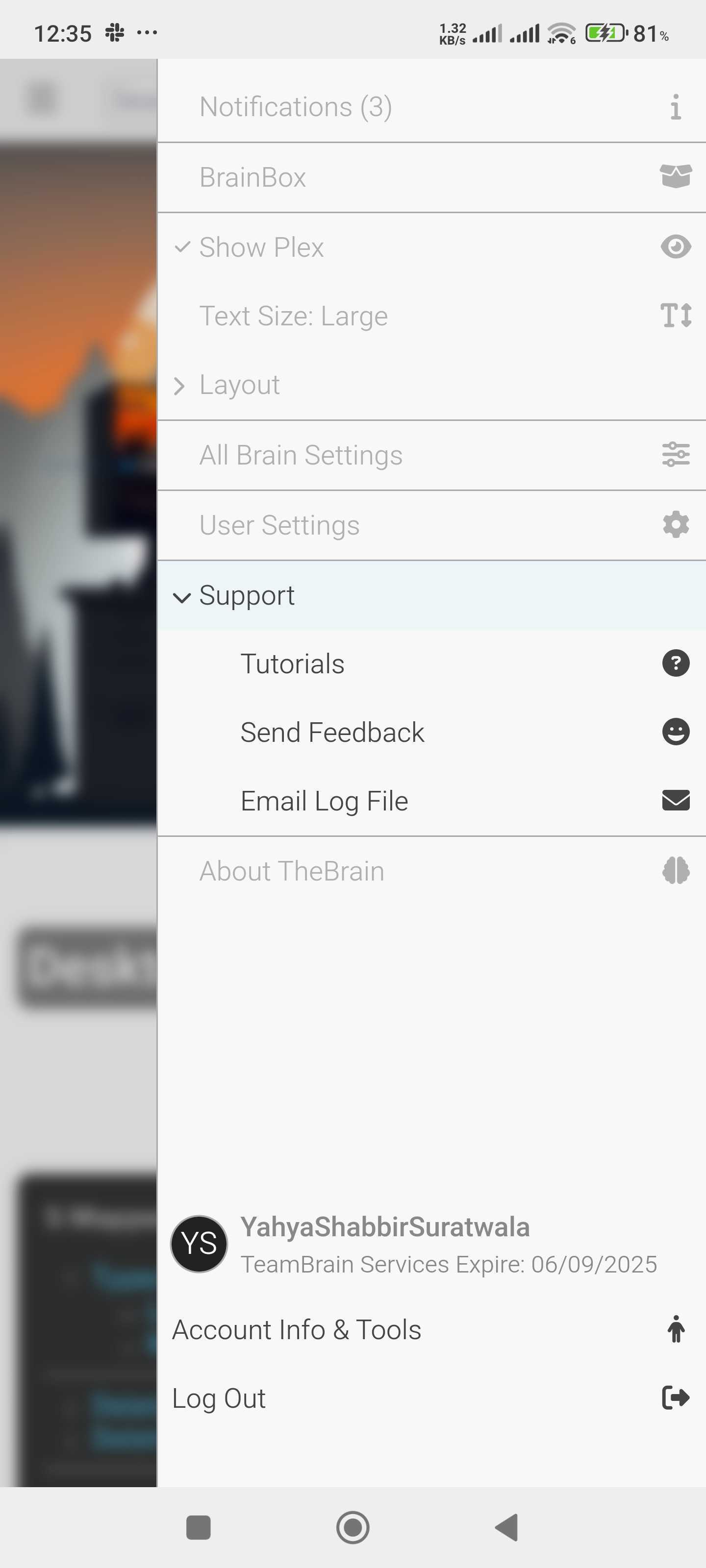
- You may do so by clicking the Settings icon on the top right
- Expand "Support"
- Click on "Email Log File" and it will be sent to us.
Please let us know if you have any questions or need further assistance.
Best regards,