Linking thoughts via notes #94945
https://thebrain.zendesk.com/agent/tickets/94945
Hello,
Thank you for reaching out and for sending a screen recording of the problem. It really helps us narrow the issue down very quickly.
To link to a thought, please follow these steps:
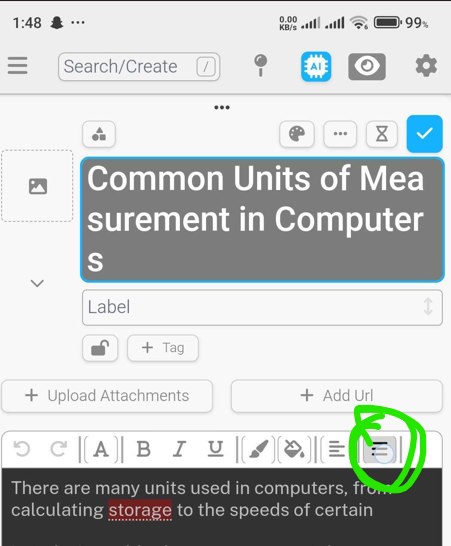
- While in the thought’s notes, enter Edit mode by clicking the pencil icon.
- Select the word you’d like to link (for example, "Pride").
- Right-click (or use the context menu) and choose the “Link” option.
This will allow you to link the selected word to another thought.
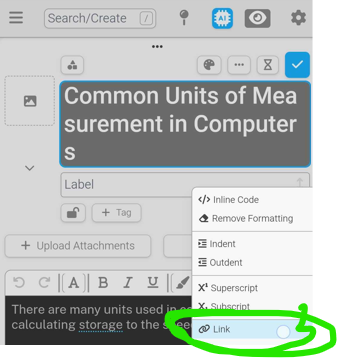
This will allow you to link the selected word to another thought. However, please note that there is a known issue with this process: when you link the word, it will automatically rename it to match the linked thought's name. Our team is currently working on a solution to resolve this behavior.
If you have any further questions or need assistance, feel free to let us know!
Best regards,
John