Network Map
A Network Map is an essential tool in the field of information technology and networking. It provides a visual representation of the various devices and their interconnections within a network. This can include everything from computers and servers to routers, switches, and even virtual machines. Network maps are crucial for network administrators and IT professionals as they help in the management, troubleshooting, and optimization of network performance.
Our Components
A typical network map includes several key components:
- Nodes: These are the devices within the network such as computers, servers, printers, and other hardware.
- Links: These represent the connections between the nodes, which can be wired or wireless.
- Subnets: These are subdivisions of an IP network and help in organizing and managing the network more efficiently.
- Protocols: These are the rules and conventions for communication between network devices.

Things to Remember
There are different types of network maps, each serving a specific purpose:
- Physical Network Map: Shows the physical layout of the network, including the actual location of hardware devices and the cables connecting them.
- Logical Network Map: Illustrates the logical relationships and flow of data between devices, often abstracted from physical locations.
- Layered Network Map: Combines both physical and logical maps to provide a multi-layered view, showing both physical and logical connections.
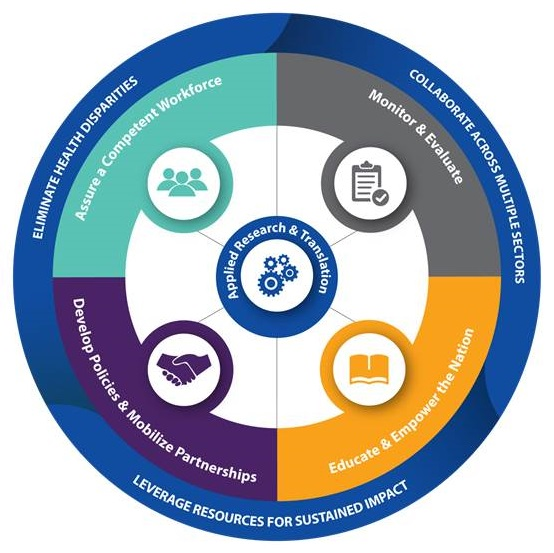
Guide to Our Network Map
Network maps offer numerous advantages, including:
- Enhanced Visualization: Provides a clear and comprehensive view of the network, making it easier to understand its structure and components.
- Efficient Troubleshooting: Helps in quickly identifying and resolving network issues by pinpointing problem areas.
- Improved Network Management: Assists in the efficient management of network resources and optimization of performance.
- Better Security: Aids in identifying potential security vulnerabilities and implementing appropriate measures.
Tools
Several tools and software are available for creating network maps, each with its own set of features and capabilities. Some popular ones include:
- Microsoft Visio: A versatile diagramming tool that can be used to create detailed network maps.
- SolarWinds Network Topology Mapper: Automatically discovers and maps your network, offering real-time updates and detailed insights.
- Lucidchart: An online diagramming tool that allows for collaborative network mapping.
- Nagios: Primarily a network monitoring tool, but it also offers visualization features to map network components.
- D3.js: A JavaScript library for creating dynamic and interactive data visualizations, including network maps.
Best Practices
When creating a network map, consider the following best practices:
- Keep it Updated: Regularly update the network map to reflect any changes in the network, such as new devices or reconfigurations.
- Use Clear Labels: Ensure all nodes and links are clearly labeled to avoid any confusion.
- Maintain Simplicity: Avoid cluttering the map with too much detail, focus on the most critical components and connections.
- Incorporate Security: Highlight security features and potential vulnerabilities within the map.
- Automate When Possible: Utilize tools that offer automated discovery and mapping to save time and increase accuracy.
Conclusion
A network map is an invaluable resource for any organization that relies on a complex network infrastructure. It not only aids in the visualization and management of the network but also plays a crucial role in troubleshooting and security. By understanding the components, types, and best practices associated with network maps, IT professionals can ensure the efficient and secure operation of their networks.
"A picture is worth a thousand words, and a network map is worth a thousand configurations." - Anonymous