Discourse
Scouting personnel using filter [Discourse]
- Labelbox
- settings
- Alignerrs
- Search using filters (Ex: Language & French & Native /// Language & English & Fluent)
- Click on person's name
- Interview (general)
- copy the interviewer's email address
Alternate Scouting Workflow [Discourse] (recruiting from existing channel) =
- Go to Discourse
- Go to “Groups” on the left
- Search for a group name (e.g. en-french-accent)
- Message the group what you’re looking for (e.g “We’re looking for one (1) female with a french accent...”)
- Post message and wait for those that are interested
- When interested, tell them you’ll be privately messaging them with more info:
- Privately message them with more info on task, ask for confirmation:
- When accepted, ask a PM to add the user to project (use their email & project name)
- Update spreadsheet to add user
Changing & checking Username (when there’s a duplicate)
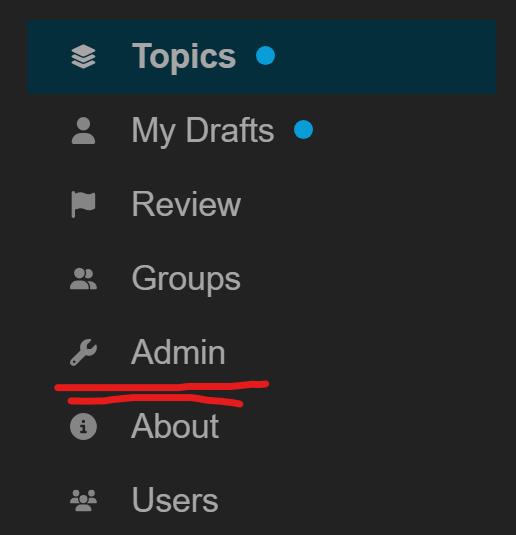
- Discourse’s main page, then go to admin:
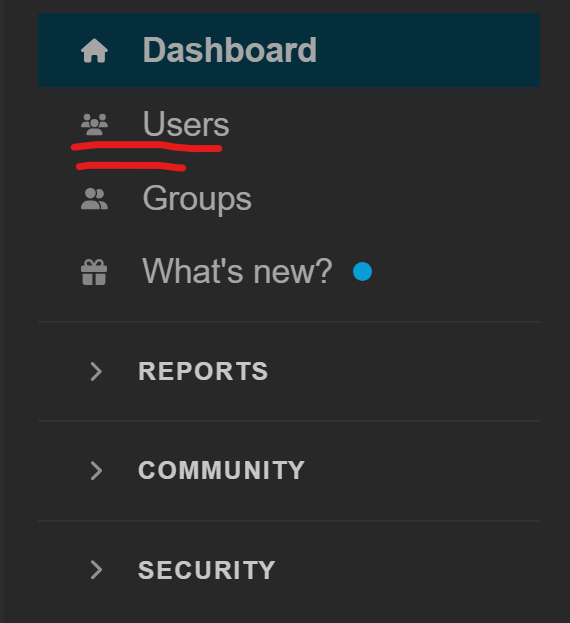
- Go to Users:
- Search by username:
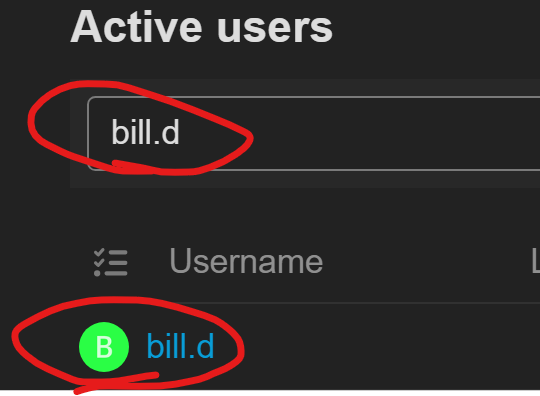
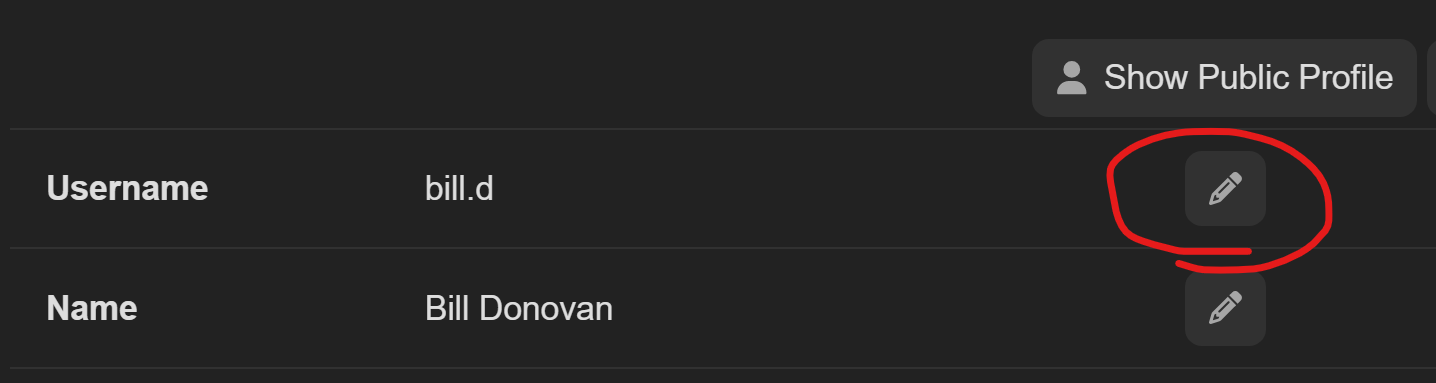
- Check if the user has been active & change the username:
Highlighting text on Discourse
- After you’ve made your post, click on the dots --> wrench
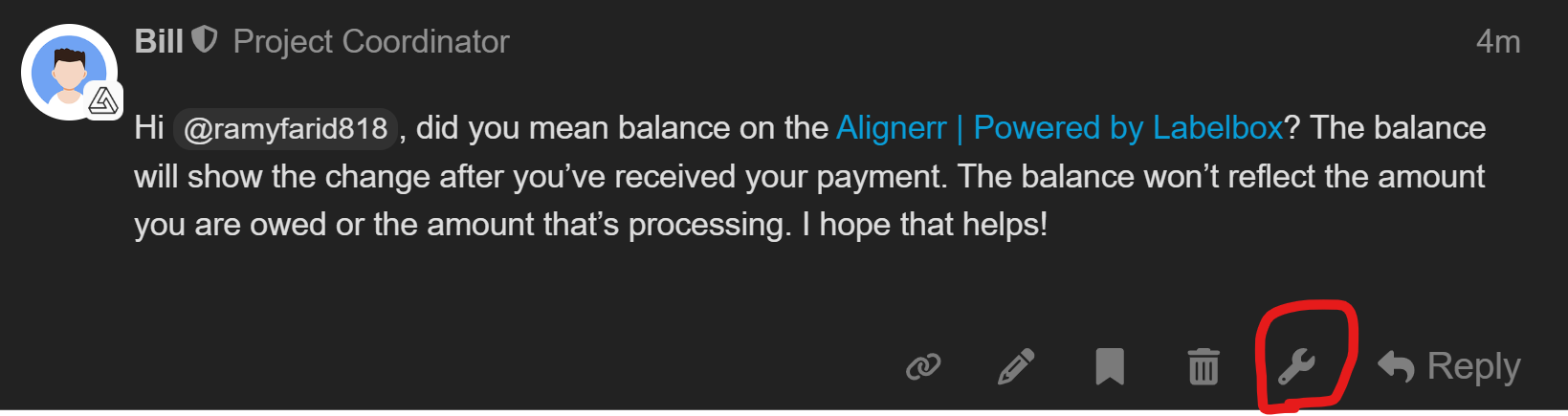
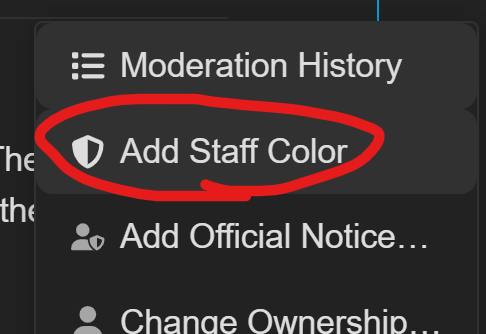
- Then click on “Add Staff color”