Keyboard Commands, Properties
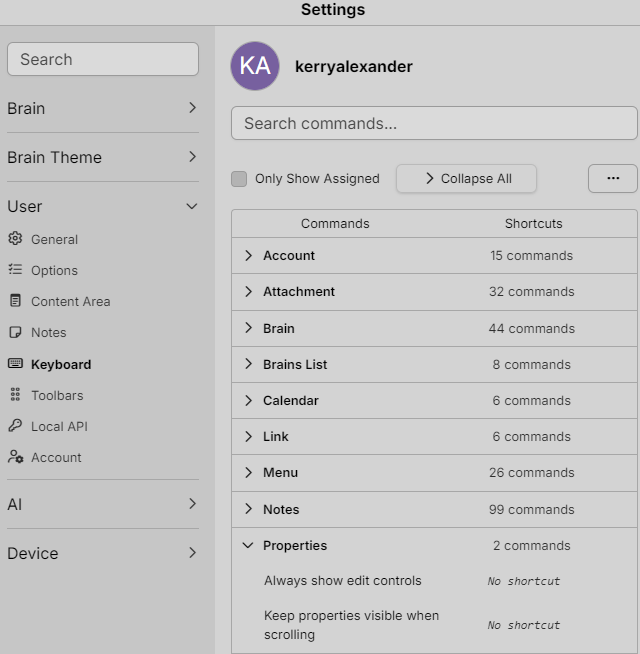
There is no documented default keyboard shortcut for copying a thought’s color properties to its children.
The official documentation says shortcuts can be searched and customized under:
Settings > User > Keyboard
However, it does not document a command for copying parent colors to child thoughts—and normal thoughts do not inherit colors unless converted to a Type Thought.
Me: “Copy the parent’s colors to all child thoughts.”
So if I were to ask you to match the color of the parent thought and copy the color to the child thoughts could you do that?
Cerebro:
Yes. I can: You could ask, for example: “Copy the parent’s colors to all child thoughts.”
- Read the parent thought’s background and text colors.
- Enumerate its child thoughts.
- Apply the same colors to all selected children without changing the parent into a Type Thought.
For Kansas-Oklahoma-Missouri League, the current text color is RGB(255, 176, 176). Its background color is not explicitly set, so I would copy the explicitly defined text color and leave child backgrounds unchanged unless you specify a background color.