Creating link to existing thought, drop-down search issues
Win 11: Brain 15.0.574
When creating a link to an existing thought, the drop-down search does not find the existing thought.
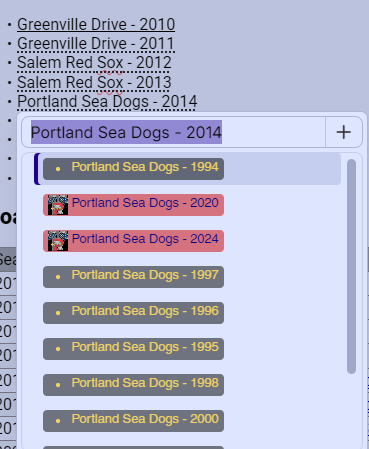
the dotted lines under the text indicating the auto match found an existing thought and the pop-up menu also indicating the existing thought,
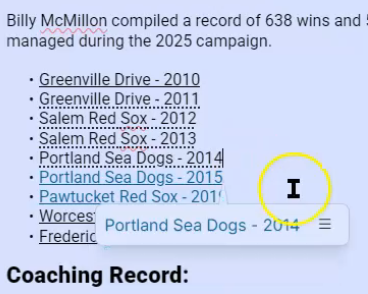
After right+clicking on the Pop-up menu to link the existing thought, the focus jumps to include the text above and creates a link for the 2013 portion of that text row. see video Recording #69
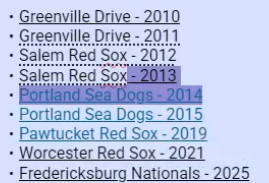
Clicking on the 2013, we see the link has attached from the row below (2014). Trying to right click on the error to remove the link, no popup menu is available.
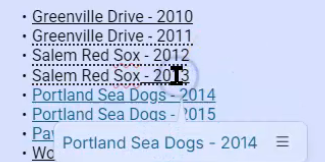
Instead there is a different menu, that does not have the option to "remove link".
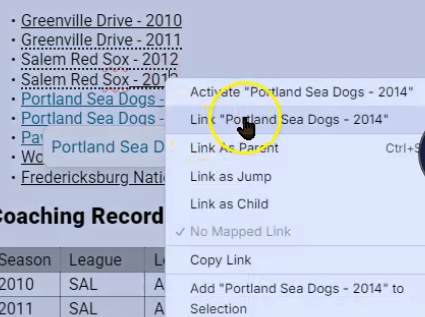
Selecting the row below (2014) brings up a different menu, which does include the option to "remove link", which I do.
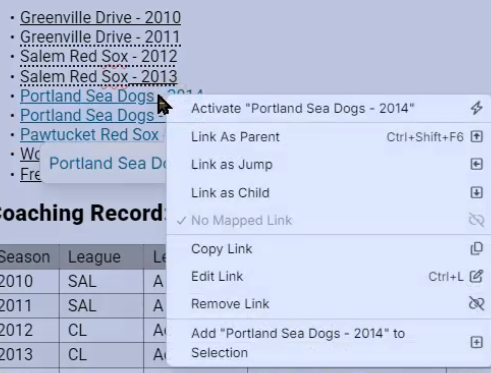
After removing the link from the 2014 row, the link still remains on the 2013 row with no option to be able to "remove link".
Also when right click to link to existing thought 2012 row, only the half of thought text is selected. Creating a link for only half the thought text.
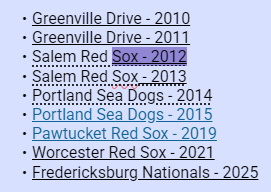
The next row the same thing happens, only half the text is selected.
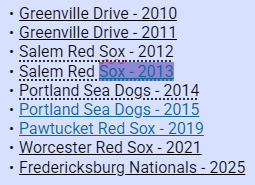
When using Ctrl+K to create a link to the existing thought
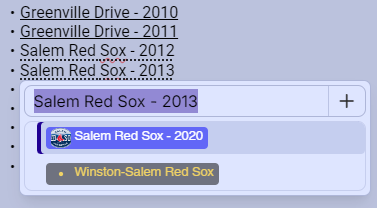
The popup menu does not find the existing thought and wants to create a new (duplicate) thought.