AI Scripts
Overview
An AI Script is a saved set of AI instructions you can run again and again without retyping them. If you find yourself asking Cerebro to do the same kind of thing often — summarize a thought, draft a reply, restructure children a certain way — turn it into a script once and run it in a step from then on. Scripts can take parameters so one script handles many variations.
Creating and Managing Scripts
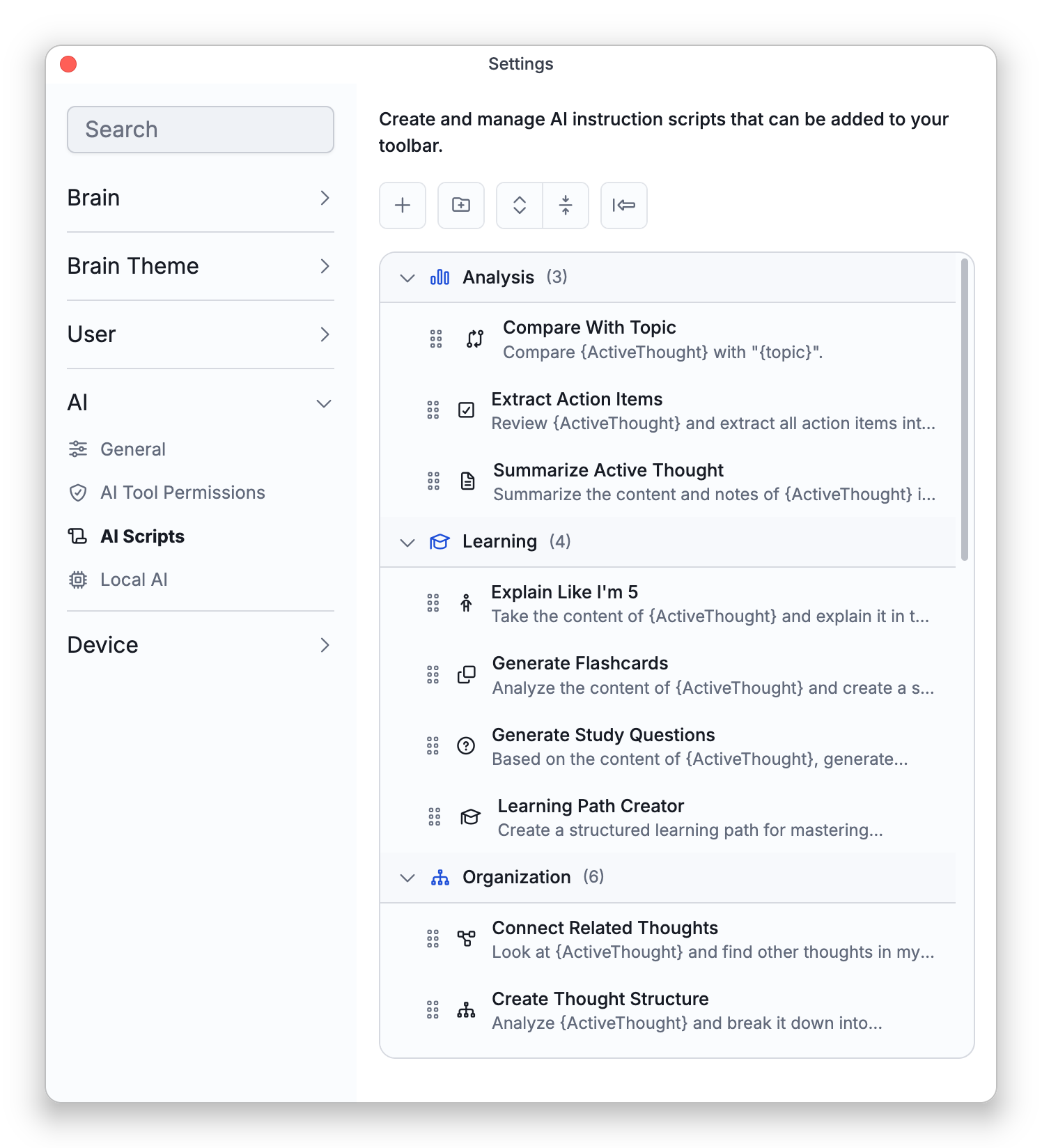
Scripts live in Settings > AI > AI Scripts, where you can Create Script, edit existing ones, organize them into categories, and reset to the built-in examples. A script editor lets you write the instruction in a visual or code mode and define:
- Base Instruction — what the AI should do.
- Parameters — inputs you fill in when you run it, either free text or a choice from preset options.
- Conditions — different behavior depending on a parameter's value.
- Web Search and Extended Reasoning — switches in the script editor. When Web Search is on, running the script turns on web search in the chat, where it stays on until you turn it off (see Cerebro — TheBrain's AI Assistant). When Extended Reasoning is on, running the script turns on extended thinking in the chat.
You can insert variables (such as the active thought) into a script's instruction so it works against whatever you're looking at.
Running a Script
There are three ways to run a script:
- From the AI Chat — type
/in the message box to bring up your scripts, then pick one. - From a toolbar button — add a script to a toolbar and run it with a single click. See Customizing Toolbars.
- With a keyboard shortcut — give the script a shortcut in the AI Scripts group of Settings > User > Keyboard.
If the script has parameters, you fill them in first, and it then runs as a Cerebro instruction, using its tools just like a normal request and obeying the same tool permissions (see Cerebro Tools and Permissions).
- The built-in example scripts are a good starting point; copy and adapt them.