Onboarding Walkthrough
Overview
The Getting Started walkthrough is an interactive, in-app tour that teaches the basics of TheBrain by having you do them — create your first brain, add and link thoughts, and meet the main parts of the interface. It's the fastest way for a newcomer to get oriented. The walkthrough runs on the desktop and web apps; it isn't available on phones or tablets, whether in the mobile apps or in a browser.
Starting the Walkthrough
The walkthrough does not start by itself, even for a new user. You start it in one of these ways:
- Get Started — While you have no brains yet, the brains list shows a Welcome to TheBrain screen with a Get Started button, which launches the walkthrough. You see this screen after you sign in or continue as a guest; the button is not on the login screen.
- Main Menu > Help > Getting Started — Available at any time. It always begins again at the first step.
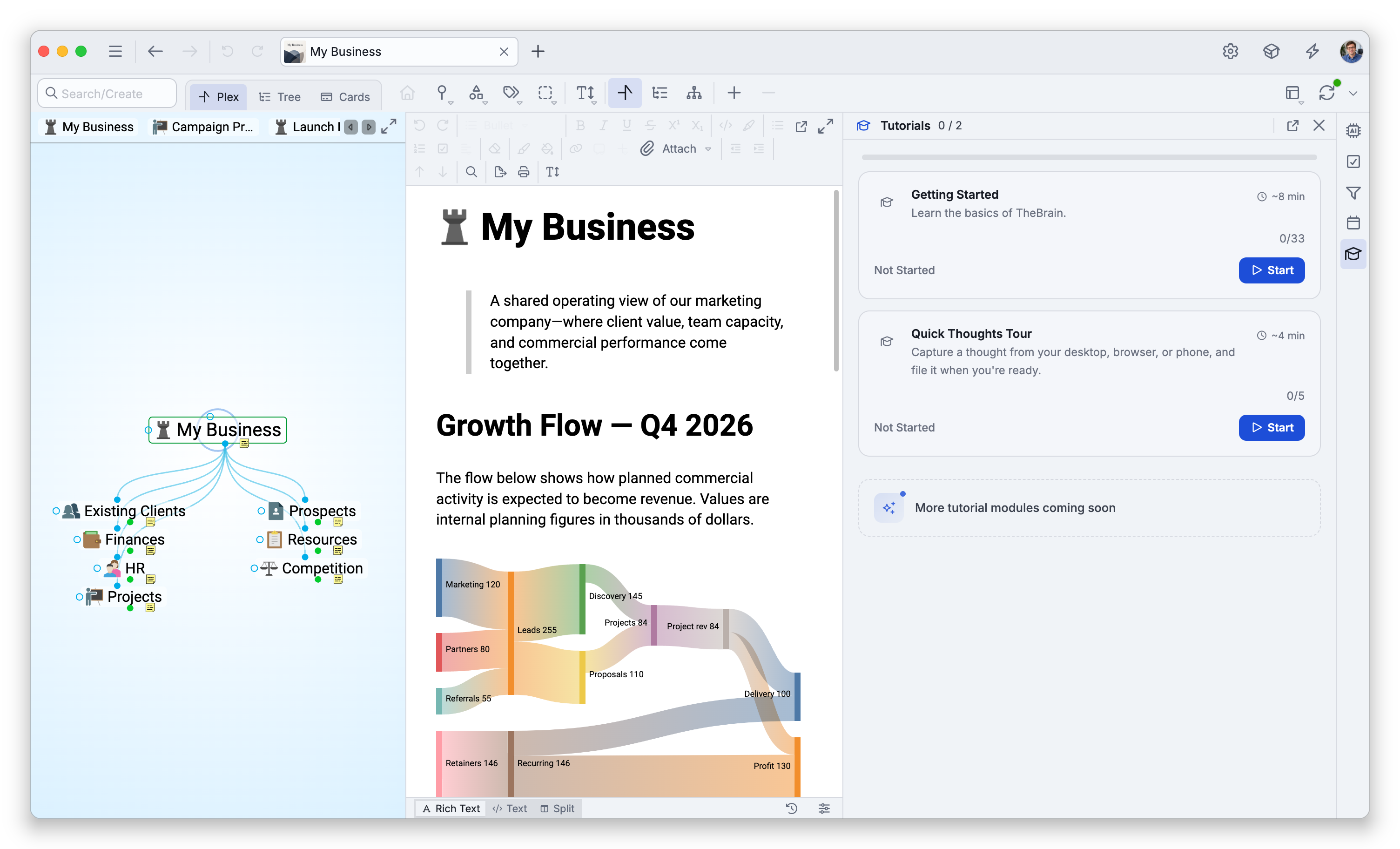
- The Tutorials panel — Choose Start, or Resume to continue a run you left unfinished (see Tutorials).
It takes about 8 minutes. If you aren't signed in, as when you use TheBrain as a guest, the walkthrough first asks you to sign in so that Cerebro can help you along the way: choose Login to sign in, or No thanks to go on without it.
As you go, use Back and Next to move between steps, Skip to jump ahead, and Done to finish. Your progress is remembered, so you can leave and resume where you left off. An unfinished run can also pick up again when you return to the brains list, if the step you stopped on belongs there.
What It Covers
The tour walks through creating and naming a brain, the Plex, creating and linking thoughts (children, parents, and jumps), the content area and notes, the thought header, attachments, the toolbars, and an introduction to Cerebro, TheBrain's AI assistant. It ends by letting you keep the brain you built or start fresh.
- For the broader set of interactive lessons, see Tutorials.