Offline Attachments and Light Sync
Overview
When a brain syncs to the cloud, its attachments can take up a lot of space and bandwidth. Light sync keeps a brain lean by downloading attachments only when you actually open them, rather than pulling every file onto your device. If you want particular files available without a connection, you mark them Available Offline so they're kept locally. These are desktop and mobile features.
Light Sync (Whole Brain)
Light sync attachments is a per-brain setting. Turn it off to keep all attachments downloaded and available offline (full sync). See Light-Sync Attachments for the full setting.
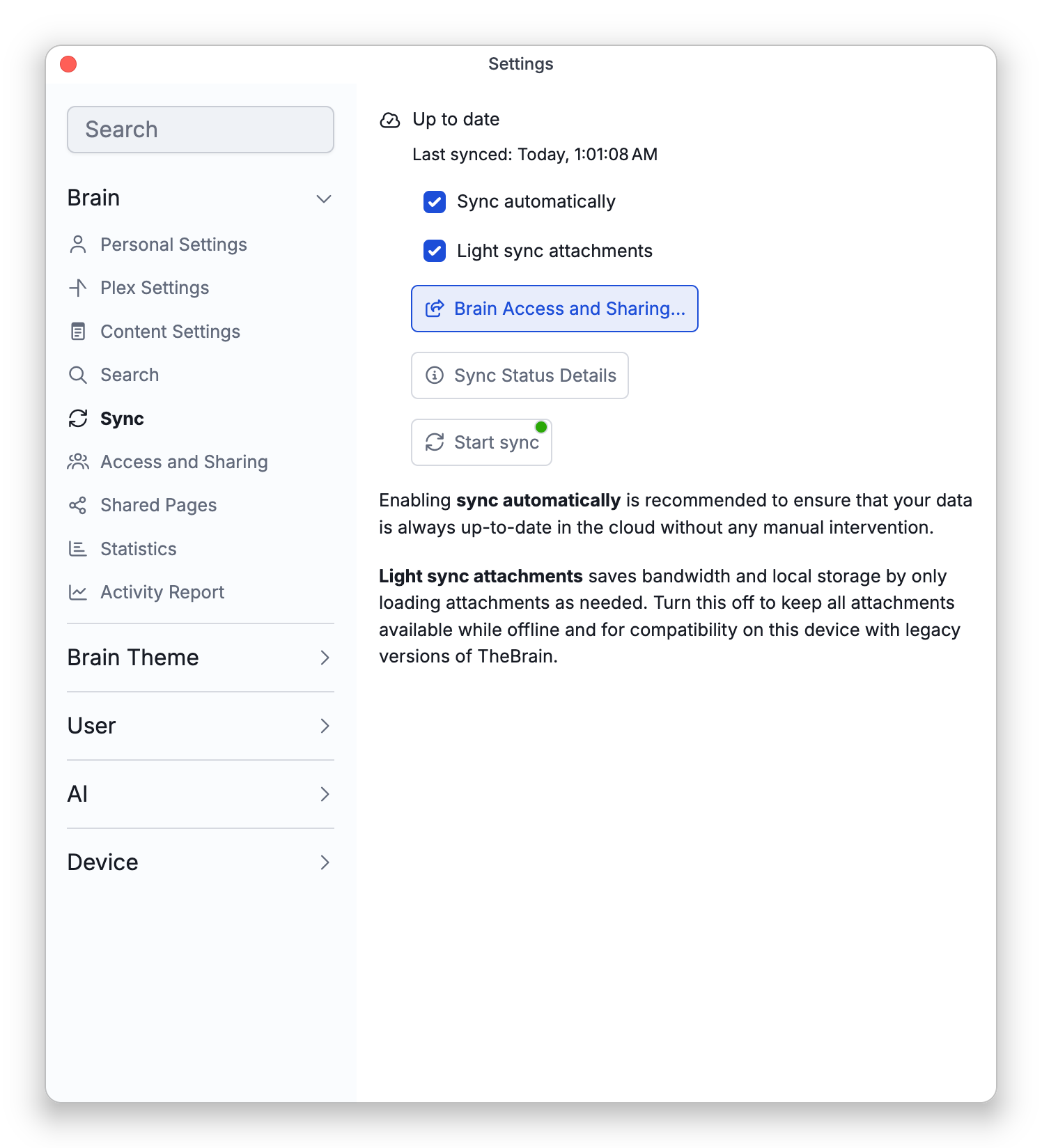
- It is on by default. Every synced brain uses light sync until you turn it off. A brain that exists only on one device, and has never been synced to the cloud, keeps all of its files there; the setting becomes available once the brain is synced.
- It is kept separately on each device. The choice is not part of the brain or of your account, so turning light sync off on your desktop does not change it on your laptop or phone. Set it on each device under Settings > Brain > Sync, or right-click the brain in the brains list and choose Light sync attachments.
- Turning it off first downloads every attachment that is not on the device yet.
- Turning it back on removes nothing. Files already on the device stay there; to free space, turn off Available Offline for individual files.
The Cloud Badge on an Attachment
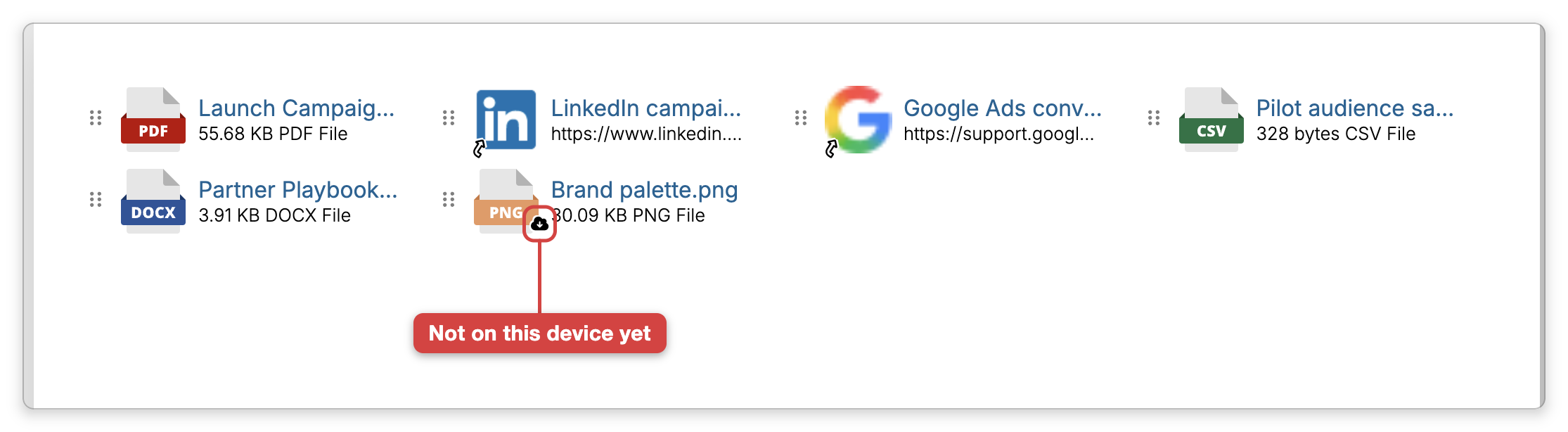
An attachment whose file is not on this device yet shows a small cloud badge — a cloud with a download arrow — on its icon. Click the attachment to download the file: the percentage is shown beside its name while it downloads, and then it opens or previews as usual. Once the file is on the device, the badge is gone.
Available Offline (Single File)
For a light-synced brain, you can keep individual files on your device:
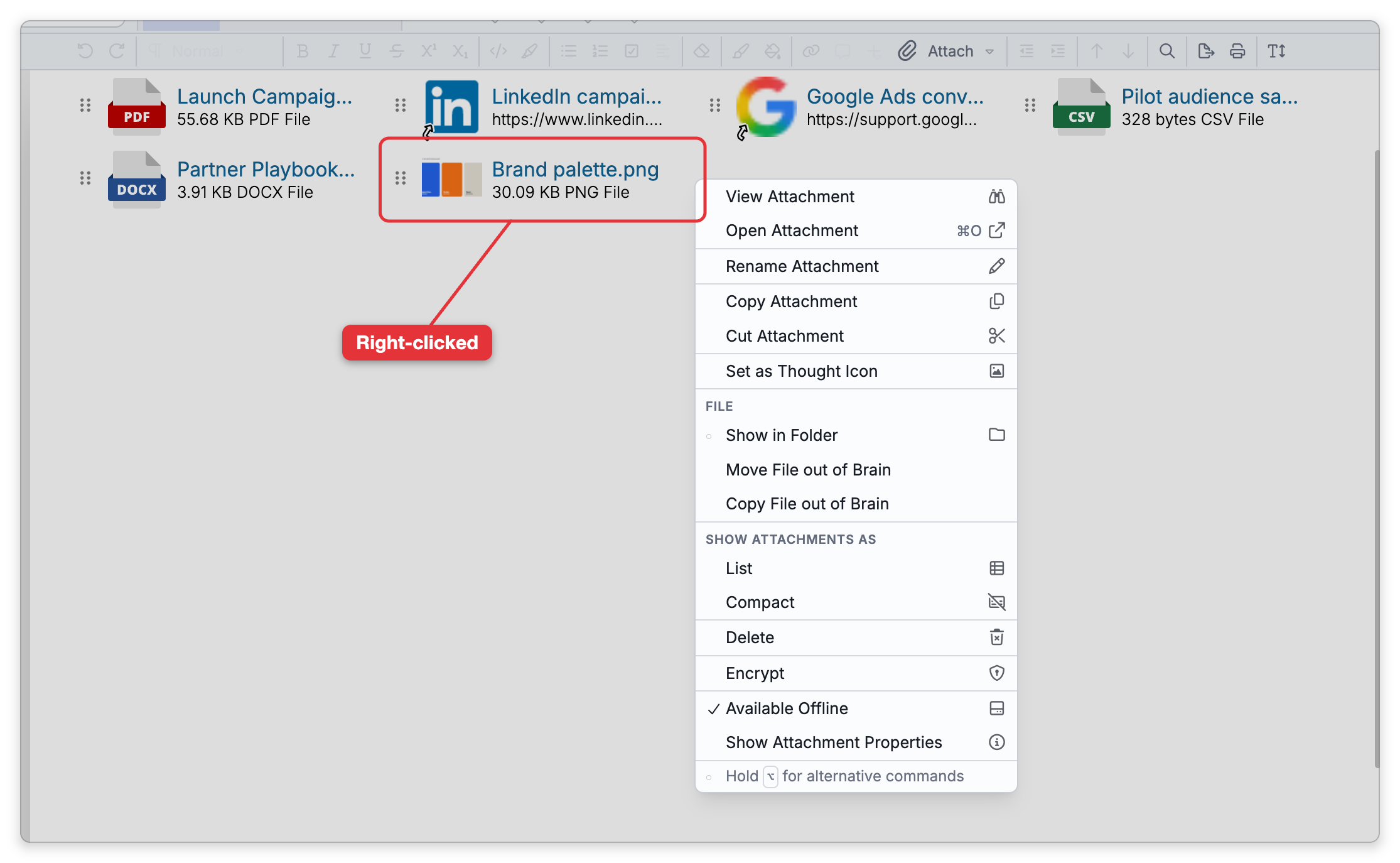
- Right-click a file attachment and toggle Available Offline on to download and keep it locally, or off to remove the local copy (the file stays in the cloud).
When a brain is fully synced, every attachment is already available offline, so Available Offline shows checked and can't be changed.
Some files come down with every sync even in a light-synced brain, including Markdown (.md) and plain-text (.txt) file attachments. For these, Available Offline also shows checked and can't be changed while the file on your device is up to date. If such a file is missing from your device or out of date, the toggle is available so you can download it.
Turning Available Offline on needs a connection to the cloud. Turning it off is only possible once the cloud has everything the file on your device contains — if you've just added or edited the file, the toggle stays unavailable until those changes have synced, so a local copy with unsynced changes is never removed.
- Some actions warn you when they involve light-synced (not-yet-downloaded) attachments — for example, merging thoughts, backing up to a brain archive, or deleting a cloud brain.