Channel Tabs
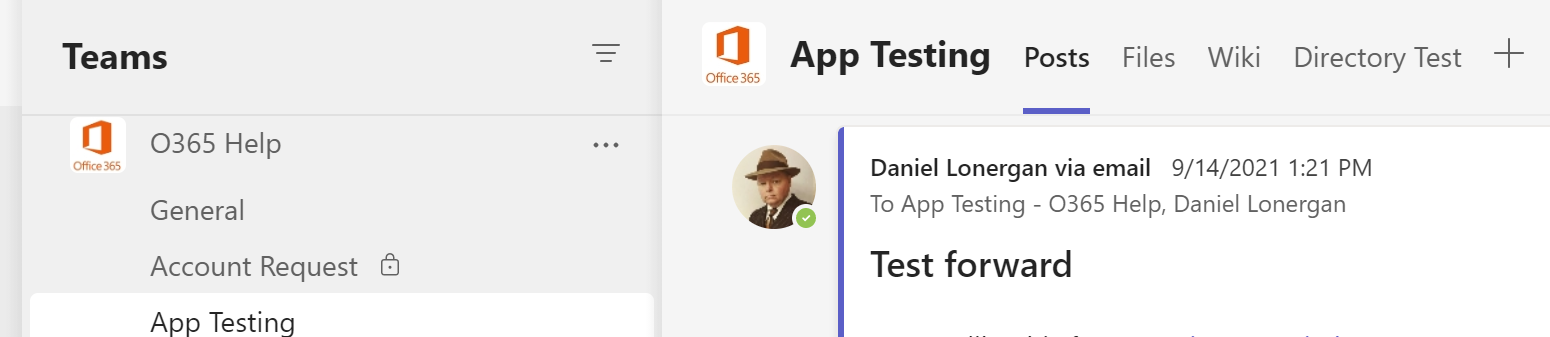
Each channel has 3 default tabs, Posts (similar to chat), Files (files shared in the channel) and Wiki (a basic note taking tool).
Custom Tabs
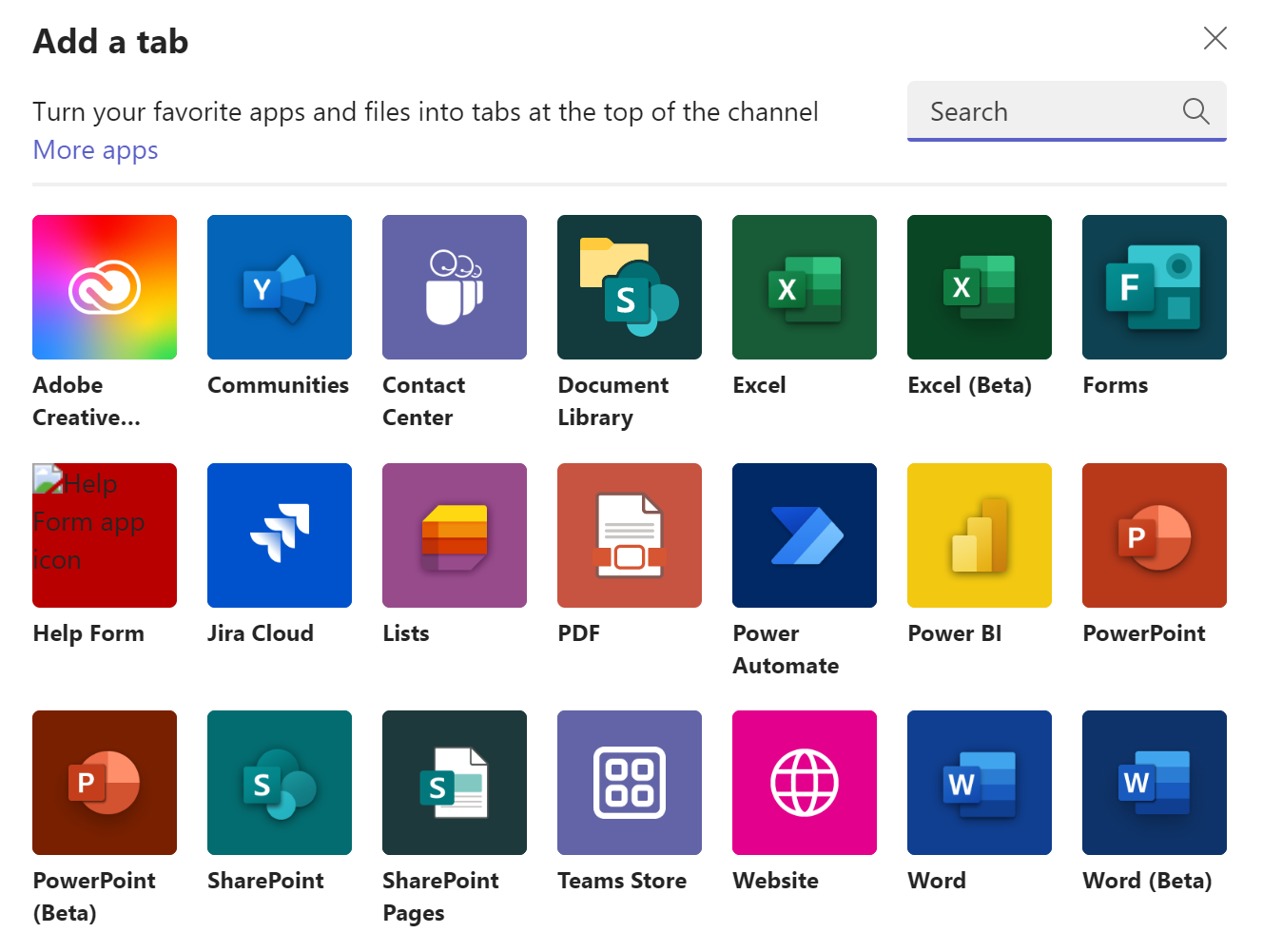
Additional tabs can be added to the channel by clicking the Plus Sign + at the right end of the tab row. You can add file, such as a spreadsheet, or document, for the team to work on collaboratively, or add folder or entire Document Library to make a set of files easily available. You can also add interactive content, such as a Form or a List for members to submit feedback or update list data, or even a website to bring information to your team instead of them having to go to it.