Teams Channels
Teams Channels are where collaboration takes place. The Team itself is just a container for one or more channels. Every Team starts out with a channel named “General”. Additional channels can be created. Each channel is usually dedicated to a specific topic, work process, or conversation. Each Channel has a number of default Channel Tabs, and additional tabs can be created.
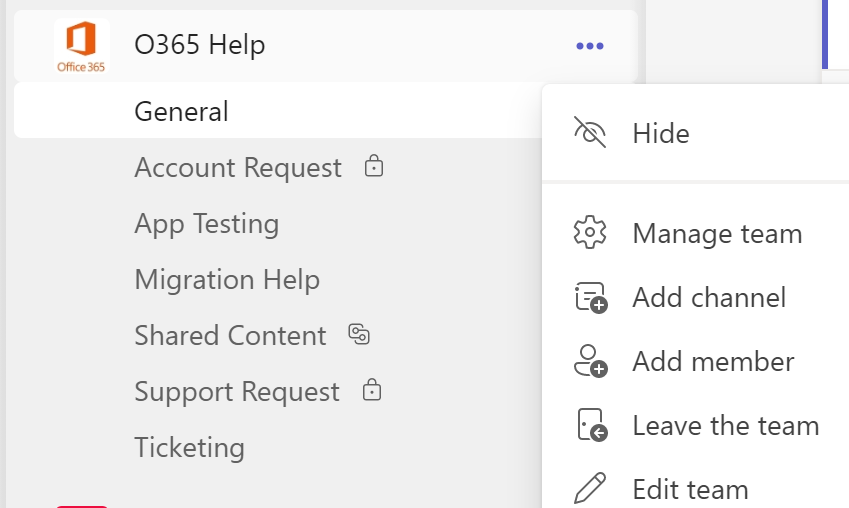
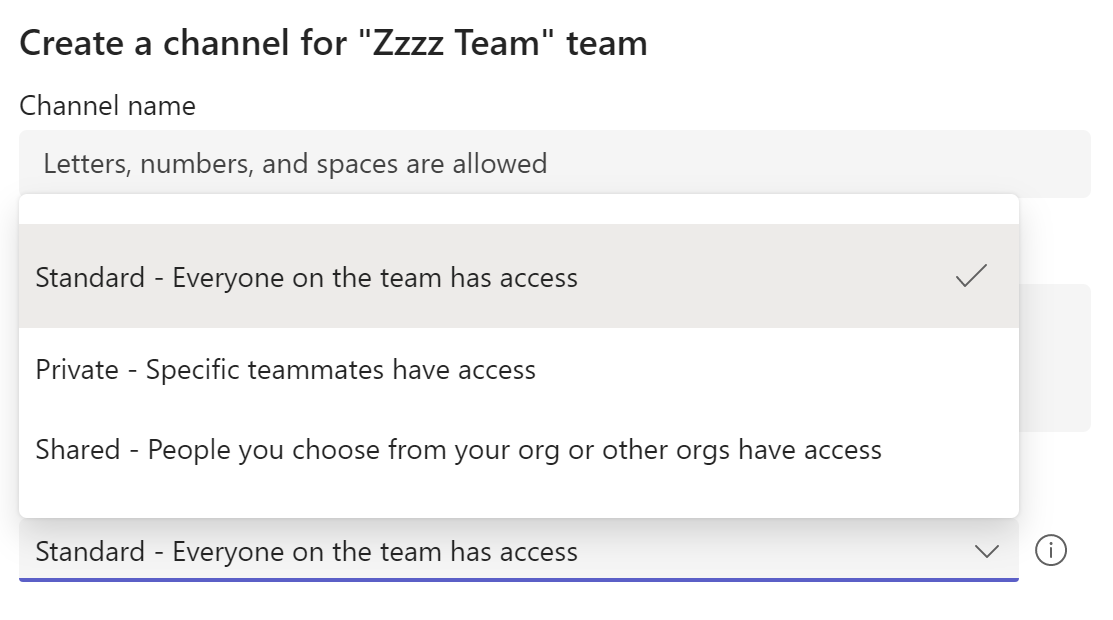
To create a channel, click on the ellipses (...) next to the Team name, selecting “Add Channel” and then selecting a Channel Type. Depending on your Team’s settings, you may need to be an “Owner” to create channels. When creating a channel you have 3 options.
Channel Types
.There are 3 types of channels you can create. Each has different permissions and sharing capabilities.
- Standard Channel - All Team members automatically have access (the default setting)
- Private Channel - Specific teammates you select have access. The person must be a member of the Team. Non-Members cannot access a Private channel.
- Shared Channel - Team Members and Non-Members can be given access. Non-Members will not see your Standard or Private channels.