Plex Layouts
Overview
When you're in the Plex (TheBrain's visual map; see The Plex), you can choose how it arranges the thoughts around the active thought. The layout changes the shape of the map without changing the brain — the same parents, children, and jumps, drawn differently to suit how you think.
The Layouts
The default keyboard shortcuts are:
| Layout | What it looks like | Default shortcut |
|---|---|---|
| Normal | The standard map: parents above the active thought, children below, jumps to the left and siblings to the right | Alt+1 (⌥1 on Mac) |
| Outline | An expandable indented outline of the hierarchy | Alt+2 (⌥2 on Mac) |
| Mind Map | A mind map with the active thought in the middle and its branches spreading out to both sides | Alt+3 (⌥3 on Mac) |
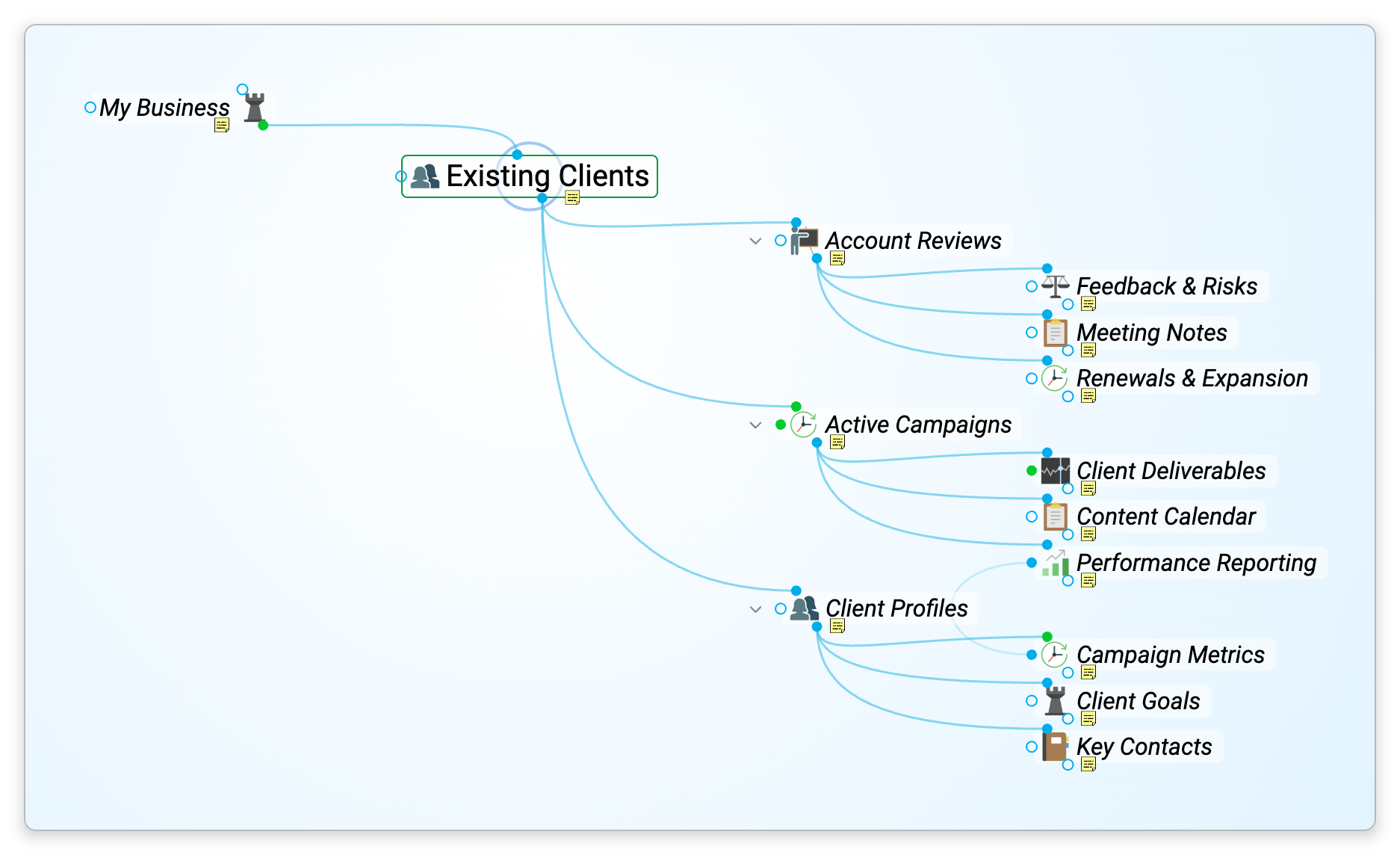
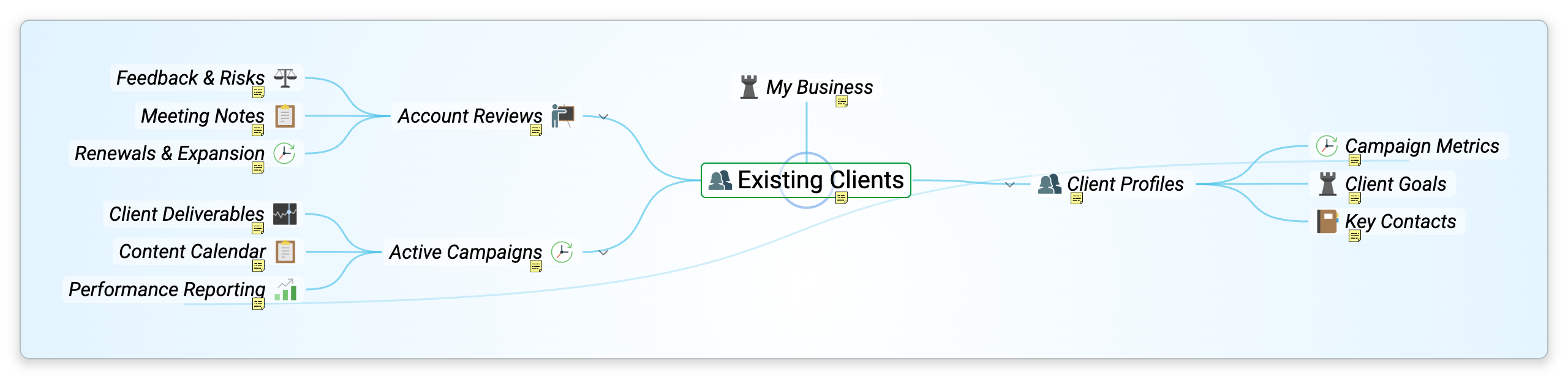
How to Switch Layouts
- From the brain toolbar — Pick a layout from the layout controls.
- From the menu — Open Main Menu > View > Layout and choose one.
- From the Plex — Right-click empty space in the Plex and choose a layout.
- On a phone — Tap the navigation mode button on the action bar along the bottom of the screen; while you are in the Plex, its Nav Mode menu lists Normal, Outline, and Mind Map. See Using TheBrain on a Phone.
- Clicking works differently in Outline and Mind Map. In the Normal layout one click activates a thought. In the Outline and Mind Map layouts the first click only focuses the thought — the content area shows its notes and attachments while the active thought stays put — and a second click on it, or
Enter, activates it. See The Plex. - Layout is separate from navigation mode. Layouts (Normal, Outline, Mind Map) re-shape the Plex; navigation modes (Plex, Cards, Tree) switch to a different view entirely. See Navigation Modes.
- The layout is remembered for each brain. In a shared brain it's your own choice and doesn't change what other people see; you can also set it with Plex layout in Settings > Brain > Personal Settings.
- How much of the surrounding network is shown is controlled separately by expand/collapse — see Expand and Collapse.