App Updates
Overview
The desktop app has a built-in updater that brings you fixes and new features. You can check for an update on demand, choose how cautious or cutting-edge your updates are with an update channel, and decide whether it checks for updates each time it starts. (The web app is always up to date — there's nothing to install. On mobile, update through the App Store or Google Play; there's no in-app updater or Updates settings tab.)
Checking for Updates
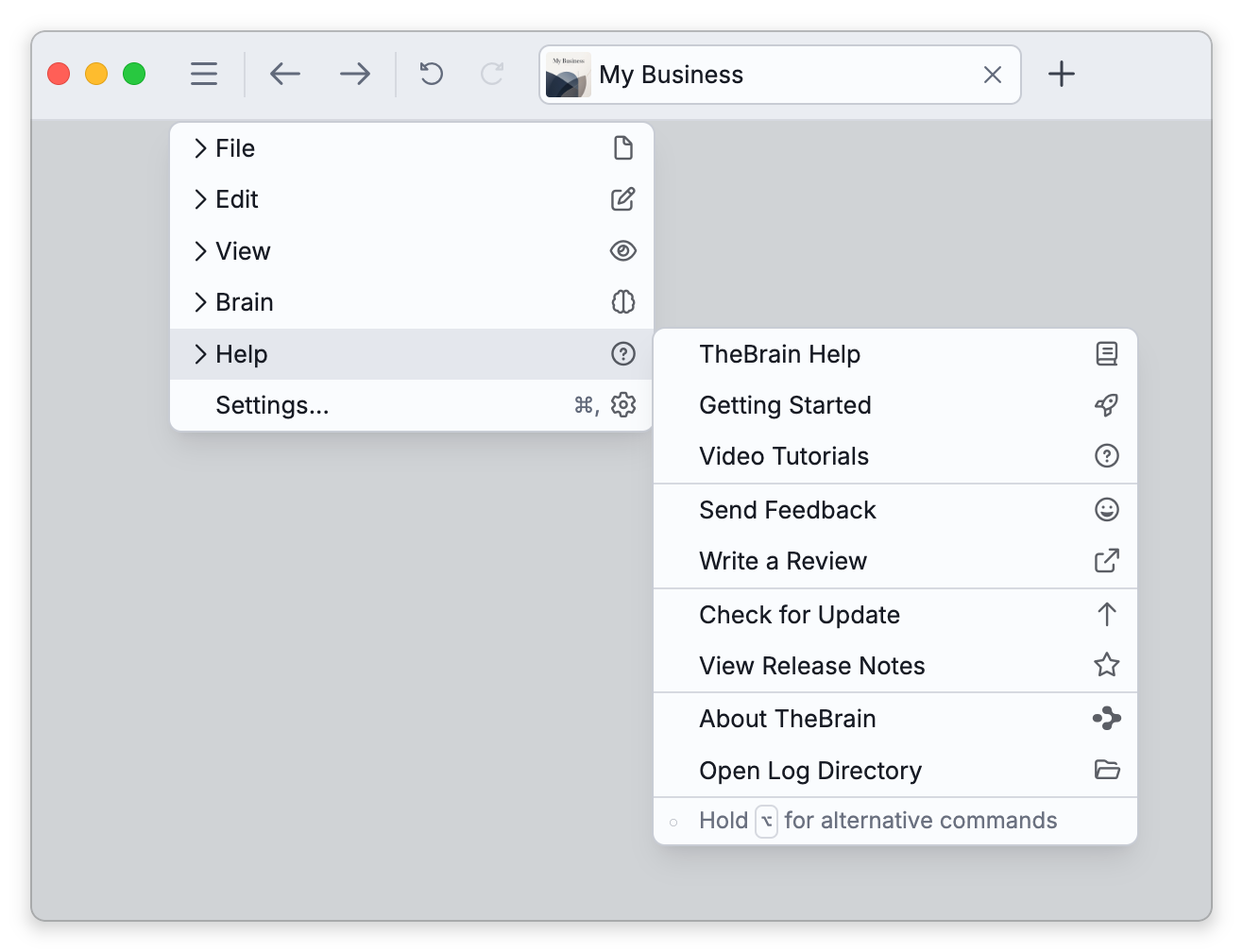
Choose Main Menu > Help > Check for Update (on the Mac desktop app it is also TheBrain > Check for Updates... in the menu bar). TheBrain checks your channel and, when a newer version is found, shows a prompt with that version's number and release notes. Click Download; when the download is ready, TheBrain offers to restart to finish installing. (Installing is always a manual step: you download, then confirm the restart.) When an update can't be downloaded inside the app, the button reads Learn More instead and opens the download page in your browser. If you're already current, it tells you so.
Which Version You Have
To see the version you are running now, open About TheBrain, in the account menu at the top right or in Main Menu > Help (on the Mac desktop app, in the TheBrain menu of the menu bar). View Release Notes, in Main Menu > Help, opens the release notes. See Getting Help and Support.
Update Settings
In Settings > Device > Updates you can set:
- Check for updates on startup — whether the app looks for updates each time it launches: Always, Only free updates, or Never.
- Update channel — Stable (recommended), Beta for earlier access to new features, or Alpha for the earliest, least-tested builds (flagged "experts only").
On Linux, when TheBrain is installed as a .deb or .rpm package, updates go through your system package manager (for example sudo apt upgrade or sudo dnf upgrade) rather than the in-app updater, and these two settings are hidden.
- App updates keep the software current; your brains stay current through sync (see Syncing Brains).
- Staying up to date can matter for opening brains too: a brain updated by a newer version of TheBrain on another device may refuse to open in an older copy — the app says This brain needs a newer version of TheBrain and names the version required.