Wander Mode
Overview
Wander sets the brain in motion on its own, drifting from one thought to a related one every couple of seconds. It's a relaxed, hands-off way to rediscover what's in a brain — old ideas resurface, and connections you'd forgotten drift back into view. It also makes a nice ambient display, a clean, full-screen automatic tour, when paired with Presentation Mode (see Presentation Mode).
How to Start and Stop Wandering
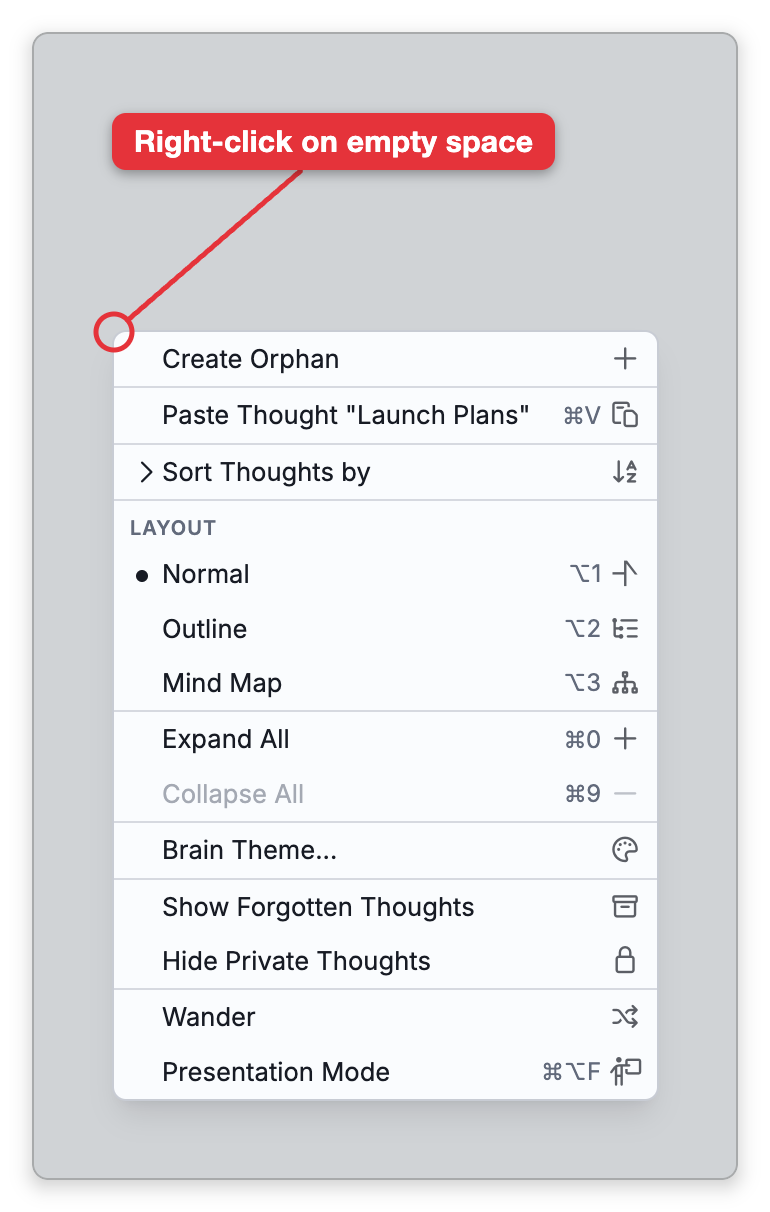
Wander is a toggle. Start it from Main Menu > View > Wander, or by right-clicking empty space in the Plex and choosing Wander. To stop, choose Wander again — or simply click or right-click anywhere on the Plex or the notes. Wander has no default keyboard shortcut; you can give it one in Settings > User > Keyboard (see Keyboard Shortcuts).
While wandering, TheBrain follows the brain's own structure — moving to a parent, child, jump, or occasionally a sibling of the current thought. It favors well-connected thoughts and avoids ones it has just visited, so it tends to roam broadly rather than circle in place.
While Wander Is Running
Wander is for watching. While it runs, the Plex and the notes in the brain window don't respond to the mouse or to touch in the usual way:
- A click, tap or right-click only stops Wander. It doesn't activate the thought or follow the link you clicked on; it ends the wander and leaves you on the current thought. That is why Wander stops when you click on a note.
- The notes don't scroll. The mouse wheel and swiping do nothing there while Wander runs, so you can read whatever part of each note is in view, but to scroll or edit a note, stop Wander first.
- Backlinks and Unlinked Mentions are hidden. These two sections under a note disappear while Wander runs and come back when it stops.
Wander only follows the current thought's own connections. On a thought with no parents, children or jumps it has nowhere to go, so it stays where it is.
Adjusting the Pace
How long Wander pauses on each thought is set by the Wander delay slider in Settings > Brain > Personal Settings, from a twentieth of a second up to four seconds per thought. The default is one second. It's set for each brain, and in a shared brain it's your own setting.
Wander is slower than the Wander delay alone, because each move also takes the time of the Plex animation. That time is set by Speed, in the same Animation section (about 0.8 seconds by default), and the wait before each move is the two added together. So with the defaults Wander moves on a little under every two seconds, plus the time the next thought takes to load. To make Wander faster, lower Speed as well as Wander delay; both are shown in seconds.
- Wandering only changes which thought is active as it moves; it never edits the brain. Each stop does count as a visit, though: it's added to the past thoughts list and to your Back/Forward history, and the thought's Activated time is updated, which affects sorting by Activated.