Private Thoughts
Overview
A private thought is one you keep to yourself even when the rest of the brain is shared. Marking a thought private keeps it out of the ways a brain reaches other people and systems — shared pages, public brains, and (by default) Cerebro — while everything else about it works normally for you, the owner.
How to Make a Thought Private
Anyone who can edit the brain can change a thought's privacy.
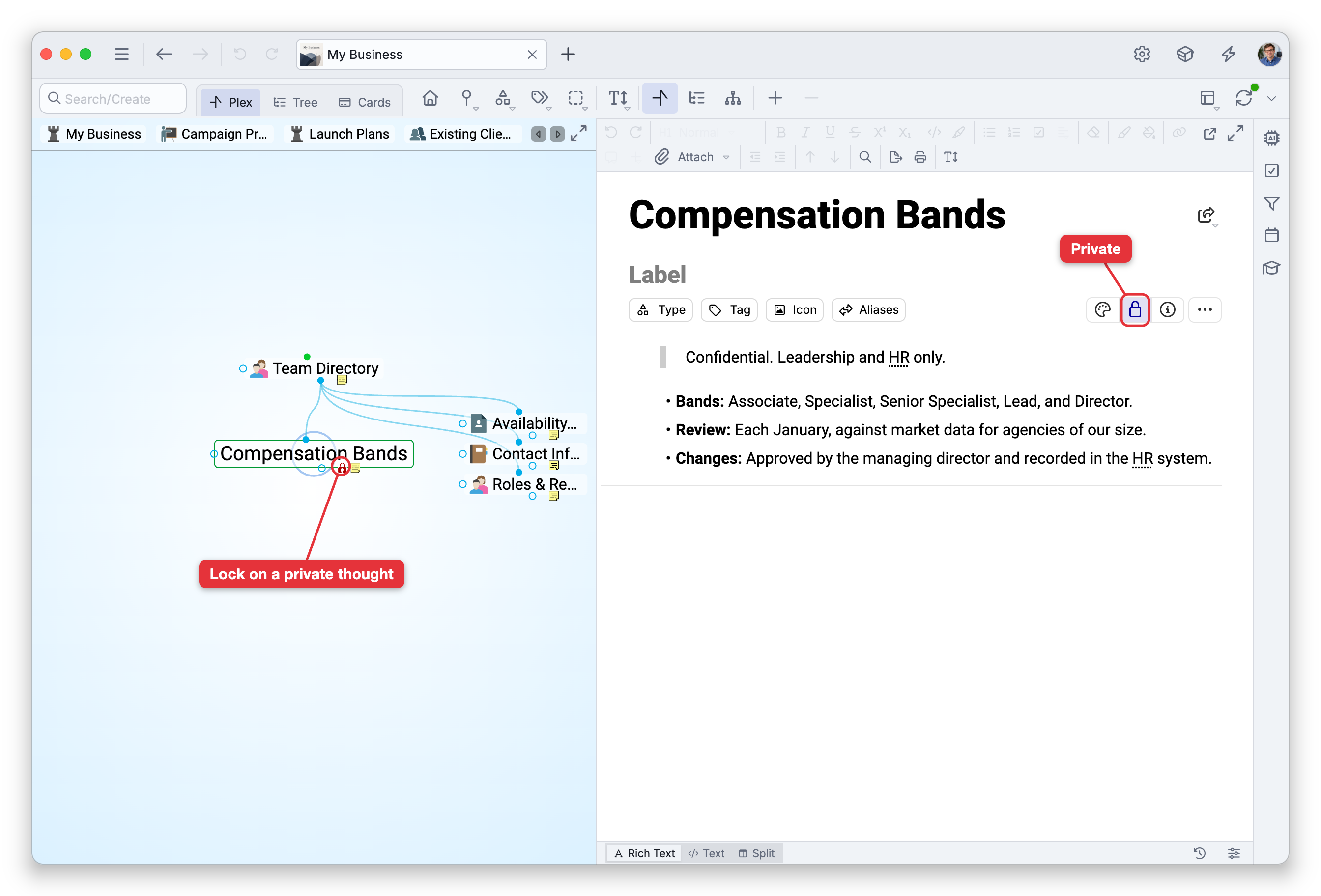
- One thought — In the properties header, click the thought's name to show the header's controls, then click the Lock button to toggle the thought between Public and Private. The lock icon shows its current state. Only normal thoughts can be made private: type and tag thoughts are always public, and the home thought, the brain's entry point, can't be made private either (see Home Thought), so the Lock button is unavailable on them.
- Many thoughts — Select several thoughts and choose Make Private (or Make Public) — see Selecting Multiple Thoughts.
Hiding Private Thoughts
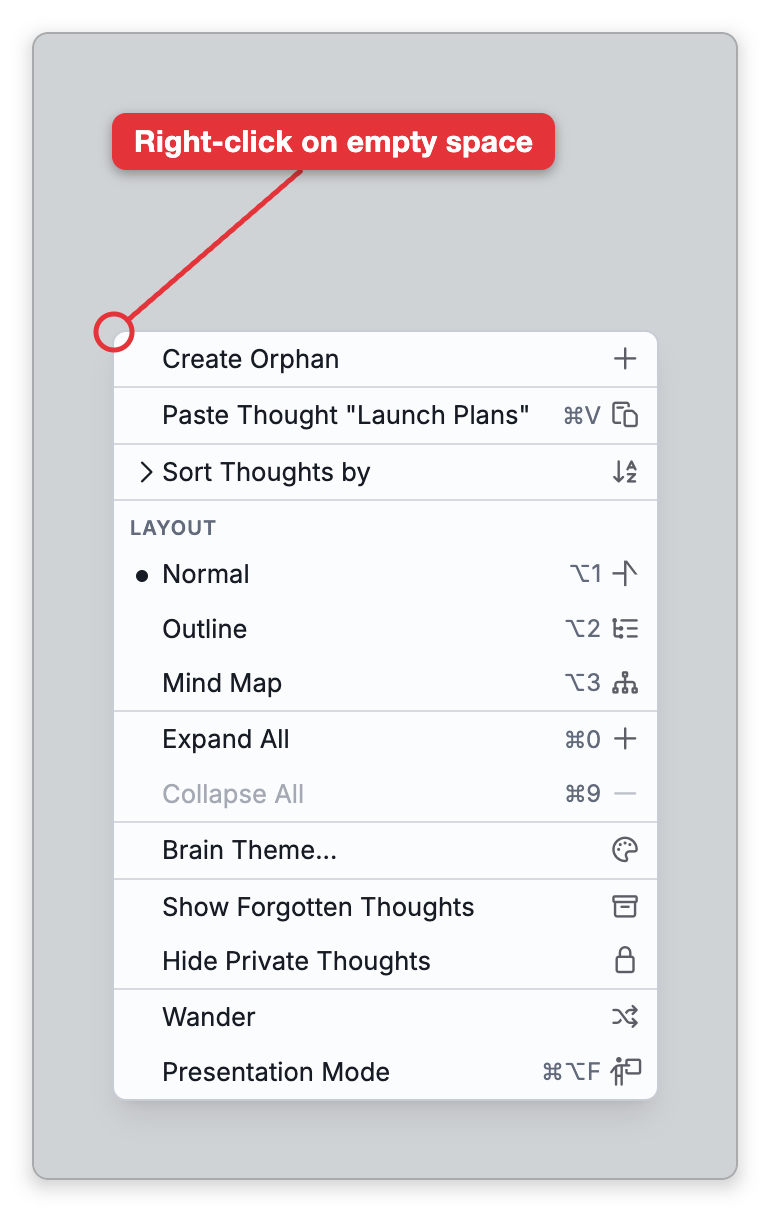
Private thoughts still appear to you by default. When you want them out of sight — for example while presenting or screen-sharing — turn on Hide Private Thoughts. It is in Main Menu > View, and on the menu you get by right-clicking the background of the Plex or of Cards view. Choose it again to turn it off and bring the private thoughts back.
While it is on, private thoughts are left out of the Plex, search results, the pins bar, and the past thoughts list. If the active thought is private when you turn it on, TheBrain moves you to the most recent thought you visited that is not private, or to the home thought.
Hide Private Thoughts is a view option for the tab you turn it on in, not a saved setting. It stays on while you keep working in that tab, but it is not kept when you quit: after you close and reopen TheBrain, private thoughts are shown again. It also turns itself off whenever a private thought becomes the active thought anyway, for example when you open one from a report's results, because TheBrain has to show private thoughts again to display that thought.
What "Private" Affects
- Shared pages — Private thoughts can't be published as shared thought pages; the share command is disabled on a private thought. See Shared Thought Pages.
- Public / unlisted brains — When a brain is made public or unlisted, private thoughts are not available to viewers, and search engines, which can list the thoughts of a public brain, never get them. See Brain Access and Sharing.
- AI access — By default Cerebro does not read private thoughts. You can allow it in Settings > AI if you want. See AI Settings.
- Per-user access lists — Users explicitly granted access to a brain do see its private thoughts, so use access lists deliberately.
- Embedded notes — A private thought's note can be embedded in another thought's note (see Embedded Notes). When you're logged in with access to the brain, the embed shows the private note as usual. When someone without access views the note that embeds it in a public or unlisted brain, the private content is not displayed; the embed shows Missing thought: followed by the thought's name instead. On a shared thought page, a private note can show only on a page set to Requires Login, to viewers with access to the brain (see Shared Thought Pages).
Privacy is per-thought; making a thought public again simply reverses it, with no effect on its links or content.